
Task tracker
Verified against Kanvaz v9.7.0.
A simple checklist attached to your .kanvaz file, for the
“remember to actually gather these 6 references” layer of work that
doesn’t belong as its own card. Open it from the side panel’s Tasks
icon (see Side Panel).
Shape
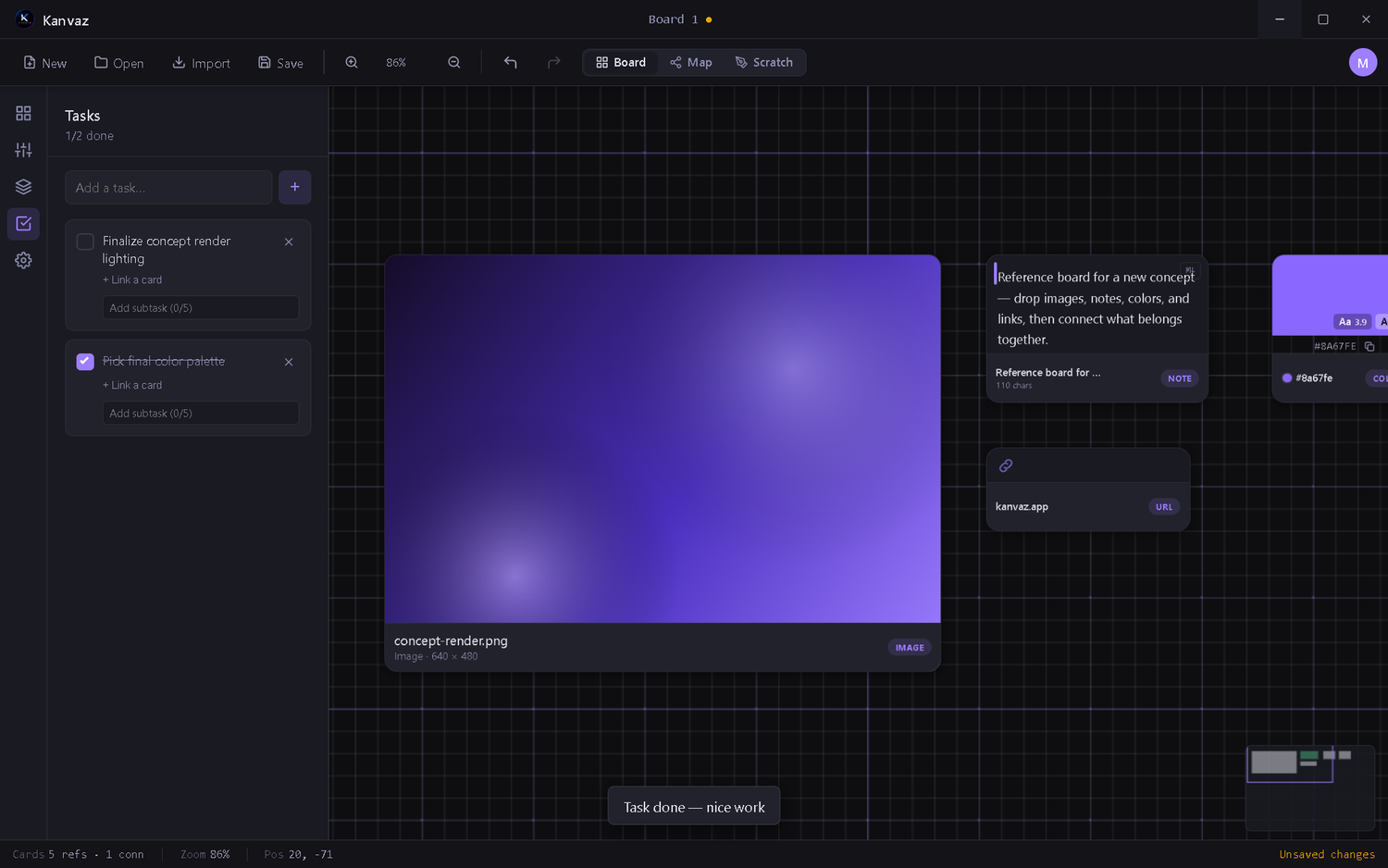
- One flat list, file-level: not tied to any single board within a multi-board file
- Each task has text, a done/not-done state, up to 5 subtasks, and an optional link to one card
- A task with subtasks can only be marked done once every subtask is done, a task with no subtasks toggles done directly
- A card-linked task jumps to and zooms into that card’s board when clicked
Working with tasks
| Action | How |
|---|---|
| Add a task | Type in the “Add a task…” field, press Enter or click + |
| Toggle done | Click the checkbox |
| Add a subtask | Up to 5 per task |
| Link to a card | Ties the task to a specific reference on the board |
| Delete | Both tasks and subtasks are individually deletable |
What it’s not
There’s no undo/redo for Task Tracker changes in this version, same deliberate scope decision already made for Scratch Board strokes. It’s also not exposed as its own board-switchable “view”, it’s a flat, file-wide list by design, not per-board.
Related
- Side Panel: where the Tasks panel lives
- MCP Bridge: an AI assistant can list/add tasks and
toggle subtasks directly (
listTasks,addTask,toggleSubtask)