Kanvaz Guide
Free, open-source, 100% offline reference board for VFX and 3D artists.
Command Palette & Smart Search
Verified against Kanvaz v9.7.0.
Two different ways to find things fast — one for actions, one for content.
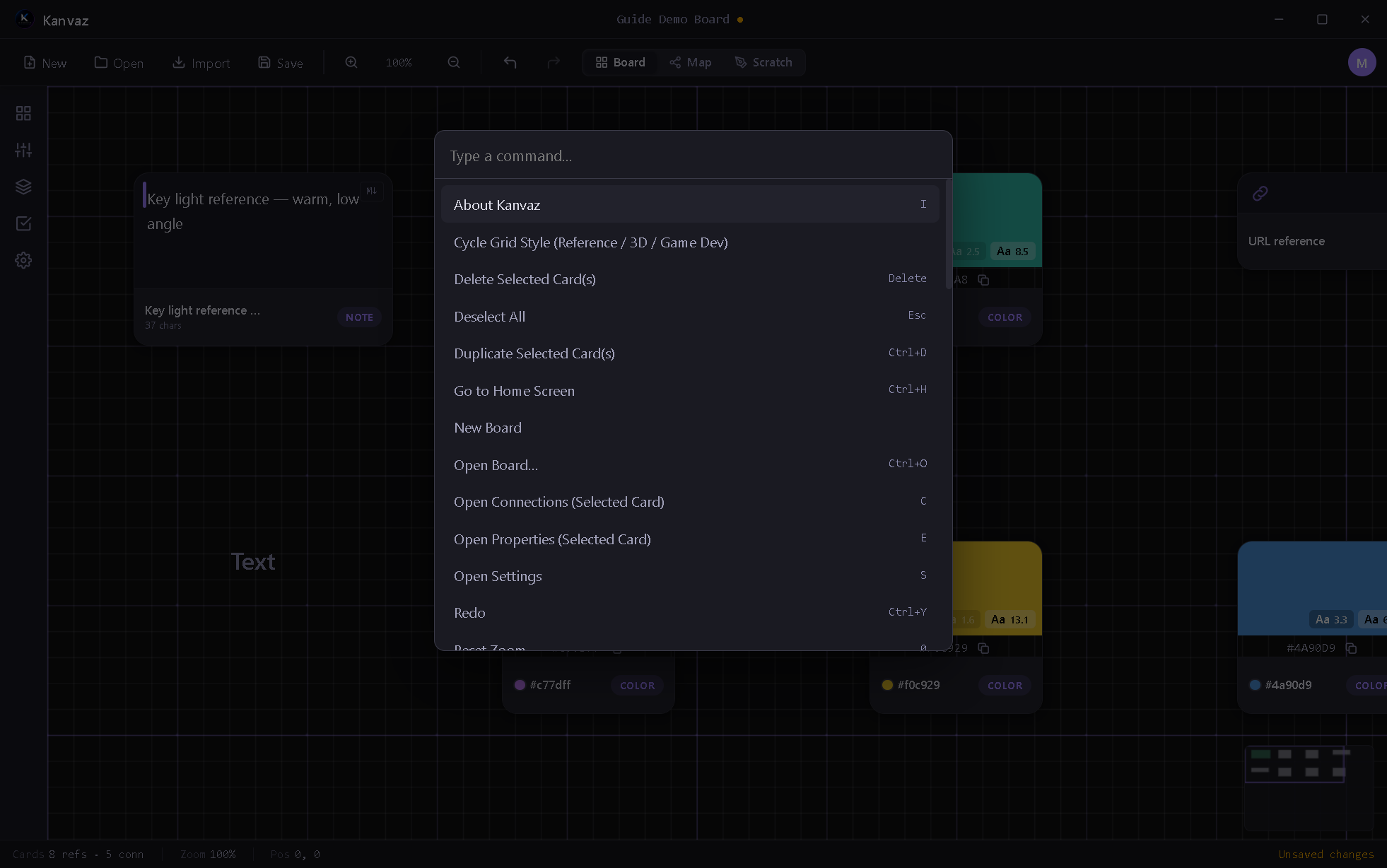
Command Palette
Ctrl+K opens a fuzzy-searchable list of every registered action in
Kanvaz — core commands and anything a plugin registers
via registerCommand. It’s reachable even while a text field is
focused, and works identically whether you’re in Board or Map view.
Type to filter, arrow keys to navigate, Enter to run. Each result shows its keyboard shortcut, if it has one — see Keyboard Shortcuts for the full list.
Card search
/ or Ctrl+F opens the card search bar over whichever view is
active (Board or Map — it correctly targets the visible one rather
than a hidden overlay). Filters by card type via the type-filter
chips, and supports saved “smart folder” filters you can name and
reuse.
Smart Search
An optional, off-by-default on-device NLP search (toggle it in Settings → Files & Search). Once enabled, it indexes card text/tags/names with lemmatized matching — searching “running” also finds “run” and “runs” — and ranks results by relevance rather than plain substring matching. It runs entirely on your machine, in a background worker, and re-indexes as your board changes.
Related
- Keyboard Shortcuts — the complete key reference
- Settings — enabling Smart Search
- Plugins — how a plugin adds its own palette commands