
About Kanvaz
Verified against Kanvaz v9.7.0.
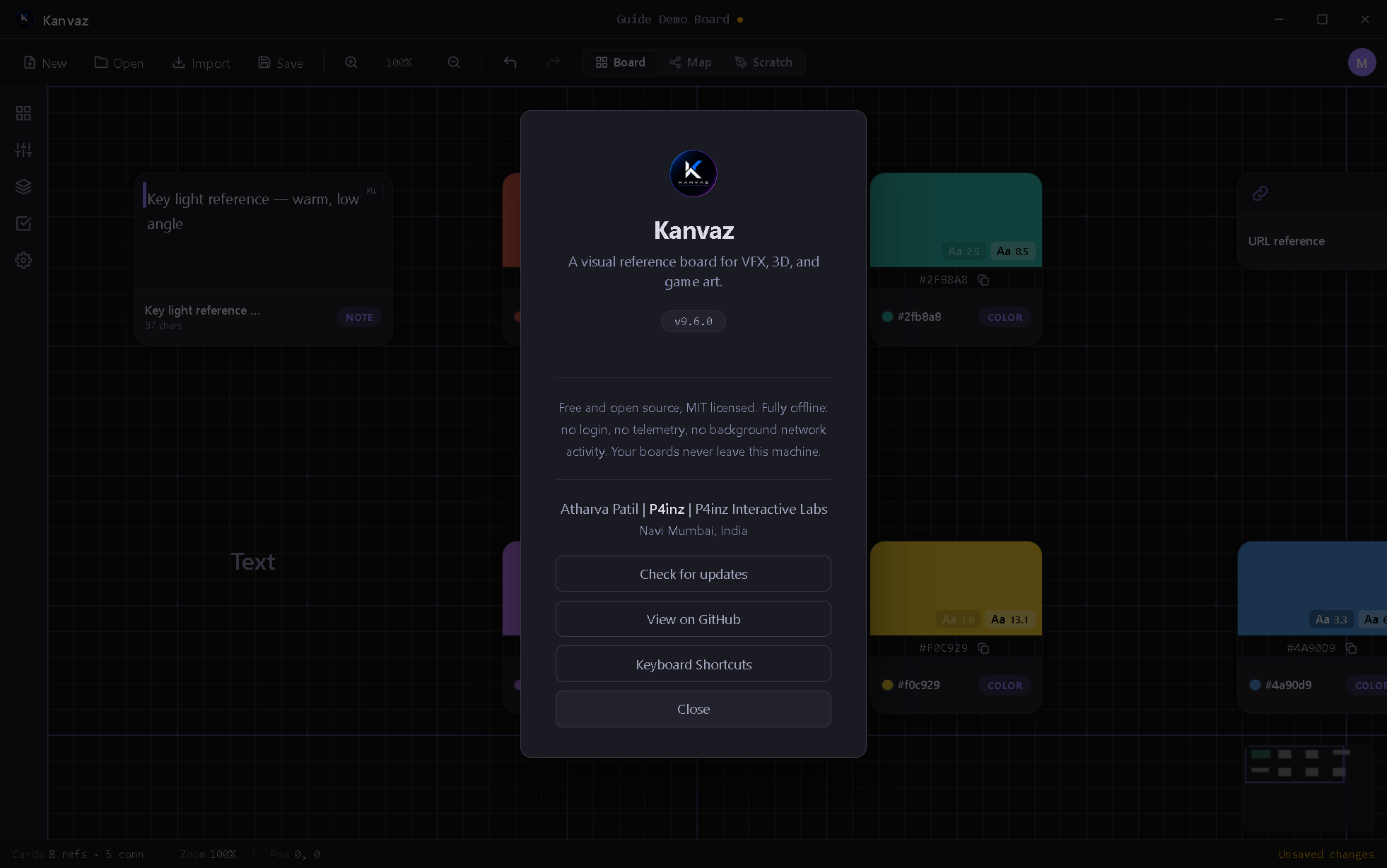
Open this same screen any time via the Command Palette (Ctrl+K →
“About Kanvaz”), the I shortcut, or your account avatar’s menu.
What Kanvaz is
Kanvaz is a visual reference board for VFX, 3D, and game art, a canvas for collecting, connecting, and understanding the images, videos, 3D models, and notes you gather while researching or planning a shot, a level, or a project.
What it isn’t
- Not a cloud service. There’s no account, no sign-in, and no server. Your boards are plain files on your own disk.
- Not a sync tool. If you want a board on two machines, you move
the
.kanvazfile yourself (or use Shared Cards / Profile export for the specific cases those cover). - Not a video/image editor. Kanvaz previews and organizes media; it doesn’t re-encode video or paint on images. See Import & Export for exactly what it can export.
Offline and privacy, specifically
Kanvaz is free and open source (MIT licensed) and makes no background network calls. The only two things that ever touch the network, both opt-in and both disclosed here:
- Check for updates: only when you click the button in this dialog, or if the Settings option for automatic checks is on (installed Windows/Linux builds only; see Settings).
- Browse community templates / MCP Bridge tool calls: only if you explicitly use those features. See Templates and MCP Bridge.
Nothing else: not your boards, not your media, not usage
analytics, ever leaves your machine. See SECURITY.md in the
repository for the full disclosed trust model, including how the
plugin system is sandboxed.
Getting help
- View on GitHub: the source, issue tracker, and releases
- Keyboard Shortcuts: the full reference, also at Keyboard Shortcuts
- This guide folder (
docs/guide/): everything else
Credit
Kanvaz is built by Atharva Patil (P4inz), P4inz Interactive Labs.