Kanvaz Guide
Free, open-source, 100% offline reference board for VFX and 3D artists.
Scratch Board
Verified against Kanvaz v9.7.0.
Scratch Board is a freeform sketch/annotation layer that sits over your cards — a place to scribble notes, circle something, or rough out an idea without creating a card for it. It’s per-board and persists with the file.
Toggle it from the toolbar (Scratch); your cards stay visible underneath so you can sketch in context.
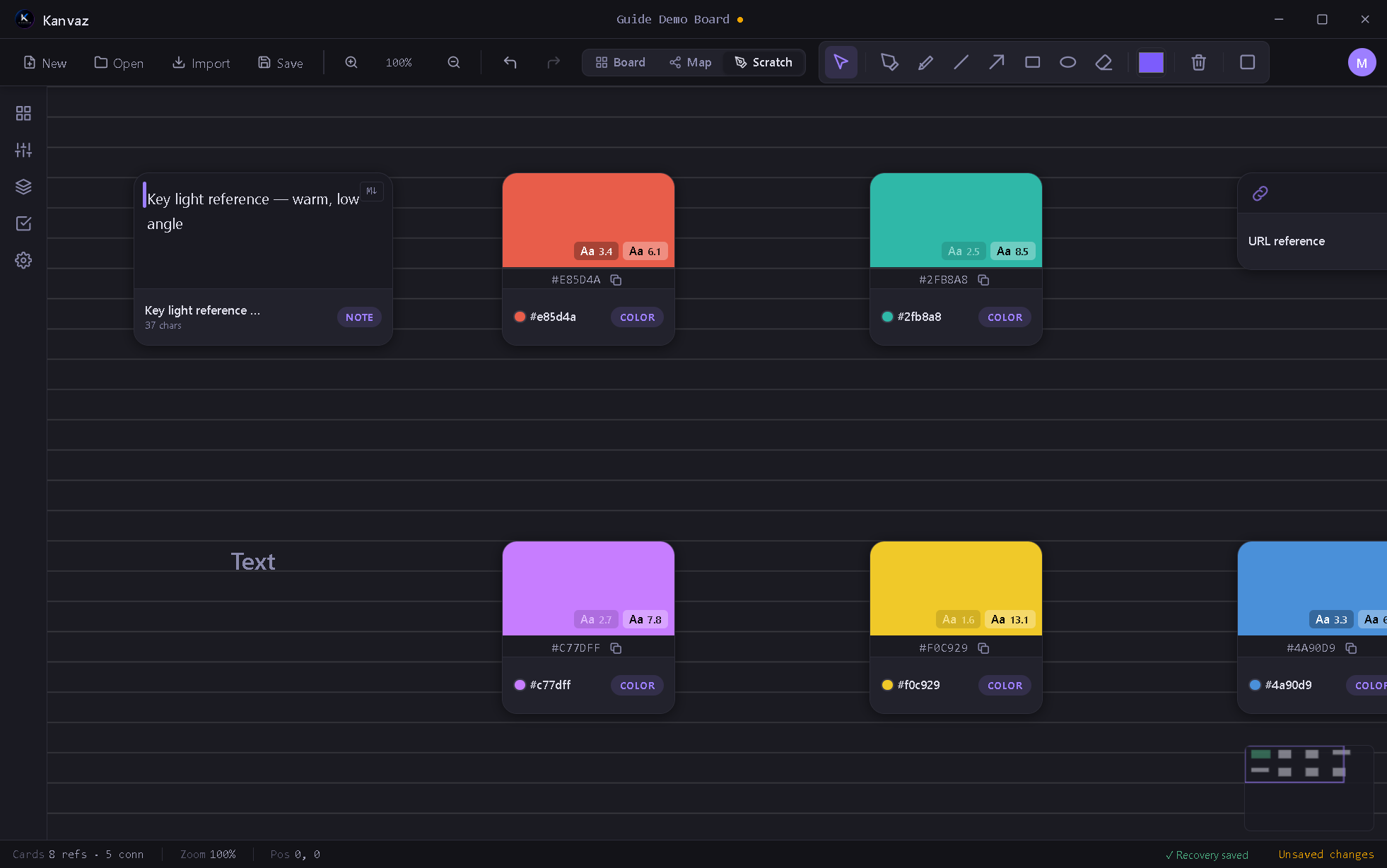
Tools
| Tool | Use |
|---|---|
| Select | Pick and move existing strokes |
| Pen | Freehand drawing |
| Highlighter | Wider, translucent strokes for emphasis |
| Line | Straight lines |
| Arrow | Straight lines with an arrowhead |
| Rectangle | Rectangle outline |
| Ellipse | Ellipse outline |
| Eraser | Removes strokes |
A color swatch and stroke-width control sit next to the tools; the trash icon clears every stroke on the current board.
Background style
Scratch Board’s background (plain, lined, or grid, with configurable accent colors) is independent of the main canvas grid in Settings — it’s meant to feel like a physical notebook page under your reference material, not a redraw of the same grid.
Related
- Board View — the cards Scratch Board sketches over
- Keyboard Shortcuts — tools 1–7 map to number keys while Scratch Board is active