Kanvaz Guide
Free, open-source, 100% offline reference board for VFX and 3D artists.
Quick Start
Verified against Kanvaz v9.7.0.
Get from a fresh install to a working reference board in under five minutes.
1. Install
Grab the installer for your OS from the latest GitHub release. Kanvaz ships as:
- Windows — an NSIS installer (
Kanvaz-Setup-x.y.z.exe) or a portable.exe - macOS — a
.dmg - Linux — an
AppImage(chmod +xit and run; there is no.deb)
There’s no account, no sign-in, and no network call on first launch — Kanvaz is fully offline. See About Kanvaz for what that actually means in practice.
2. The first-run welcome
The first time you open Kanvaz, a short welcome card walks through the
three things worth knowing immediately: drop any file onto the canvas,
right-click for the add-a-card menu, and ? opens the full shortcut
list at any time. Dismiss it and you land on the Home Screen.
3. Start a board
From the Home Screen, Quick start gives you three ways in:
| Option | What it does |
|---|---|
| New Board | An empty canvas — the default starting point |
| Open from computer | Opens an existing .kanvaz file |
| Browse templates | 14 built-in starter boards (Filmmaking, Game Art, Mood Board, VFX, and more) — see Templates |
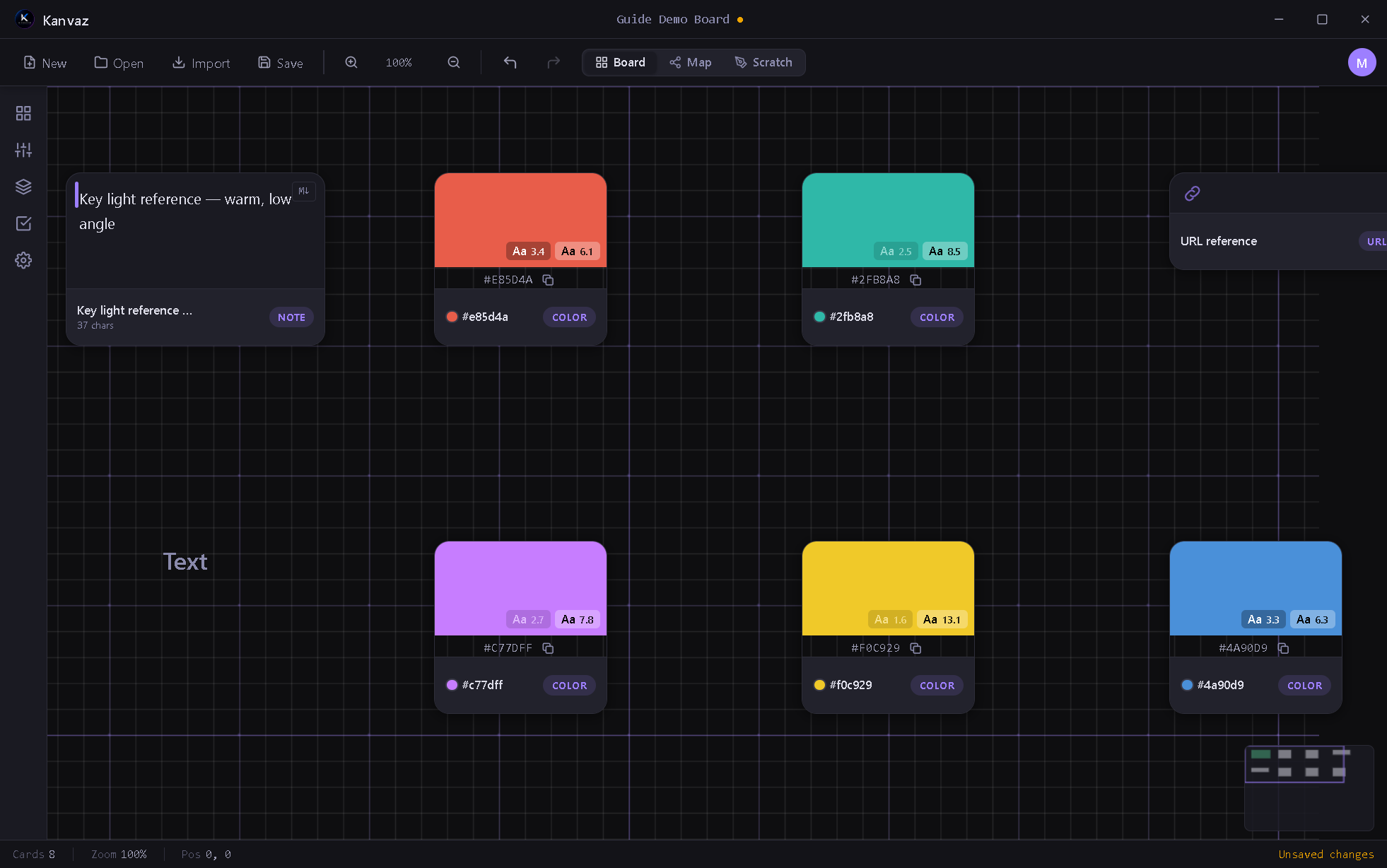
4. Get references onto the canvas
The fastest ways in, all covered in full in Import & Export:
- Drag and drop any image, GIF, video, audio file, 3D model, or PDF straight onto the canvas
- Ctrl+V to paste an image straight from your clipboard
- Right-click → Add for a text note, color swatch, or URL reference
- Import → PureRef file if you’re migrating an existing
.purboard
5. Find your way around
- Board / Map / Scratch — the three views, top center. See Board View, Map View, and Scratch Board.
- Ctrl+K — Command Palette, searches every action in the app
?— full keyboard shortcut reference (also Keyboard Shortcuts)- The left rail — Properties, Layers, Tasks, Settings (see Side Panel)
What’s next
- Board View to learn card types, selection, and grouping
- Templates if you’d rather start from a curated layout
- Profiles if more than one person uses this install
- About Kanvaz for the offline/privacy model in full