
User guide / 34 pages / press / to search
Kanvaz Guide
A free, offline reference board for artists. This guide covers everything: installing, the canvas, importing and organizing references, working beside other apps, plugins, and fixing problems.
Updated for Kanvaz v9.8.6. Each page names the version it was last checked against.
Start here
Installation & updatesWhich file to download, the unsigned-app warning, updating.
Quick StartFrom install to your first board in five minutes.
Beside ZBrush & BlenderAlways on top, Top Mode and MoodLock.
TroubleshootingFixes for the most common problems.
FAQQuick answers, grouped by topic.
CookbookStep-by-step recipes for real jobs.
Kanvaz MiniThe smaller version for quick setups.
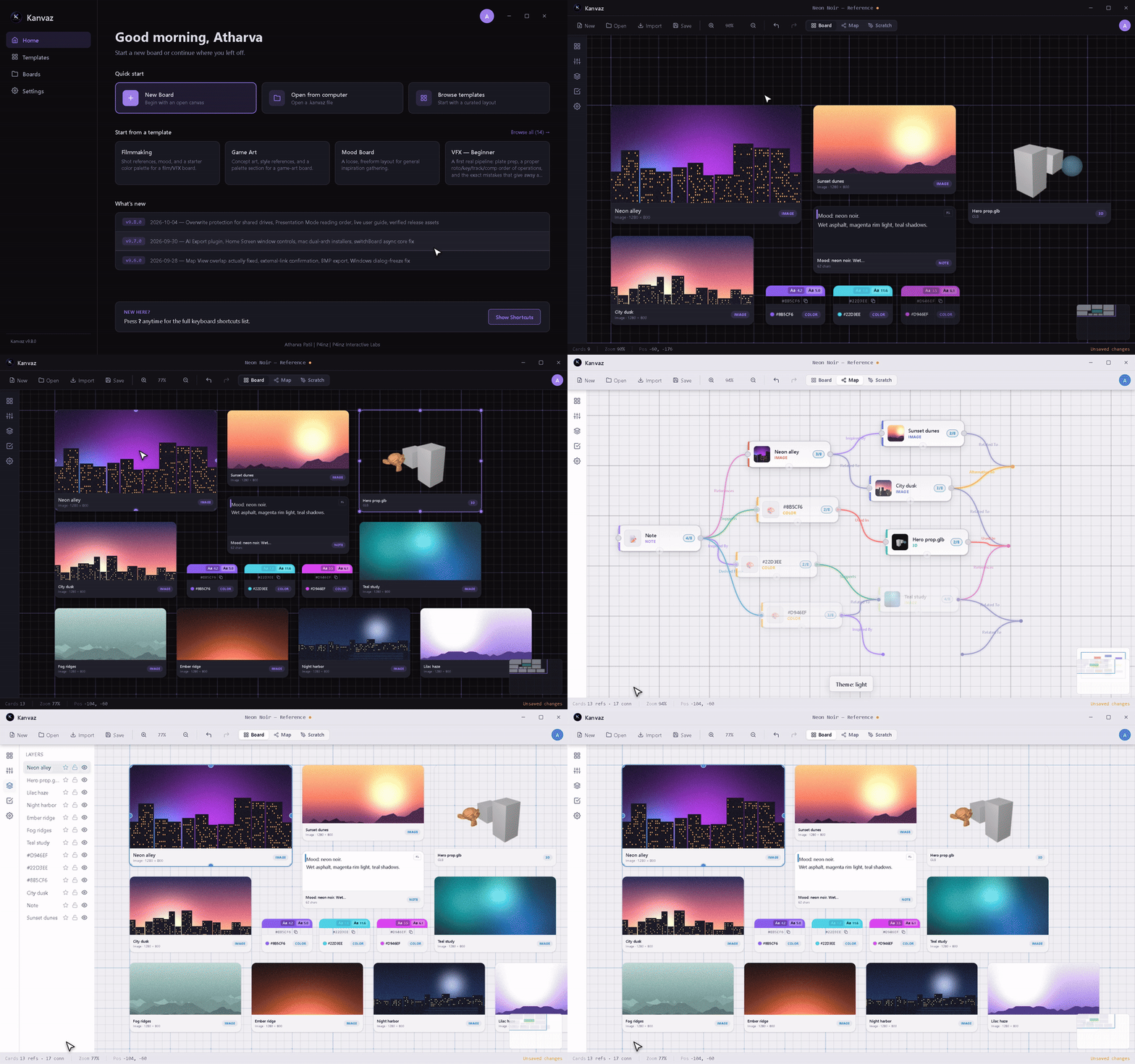
A look inside
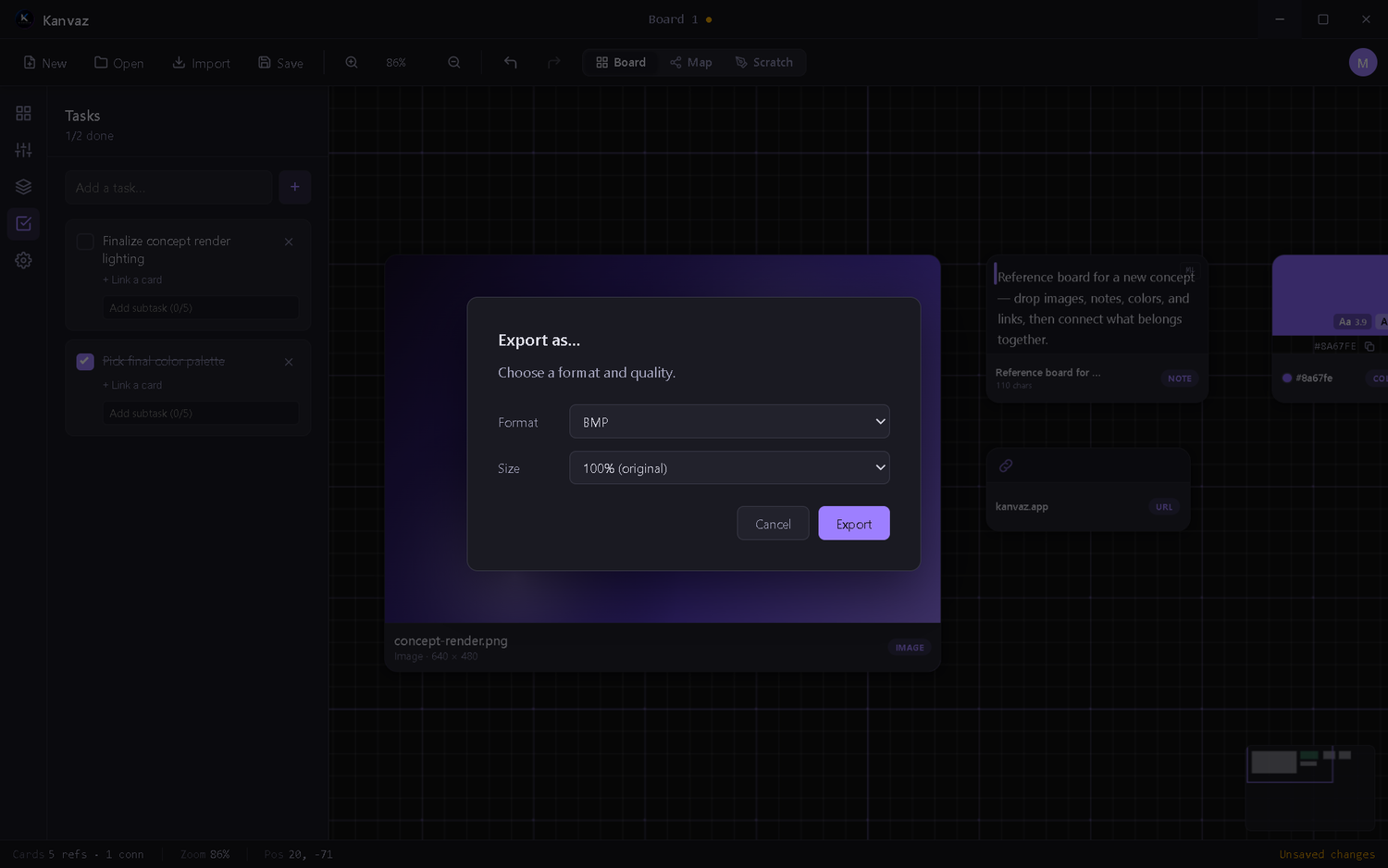
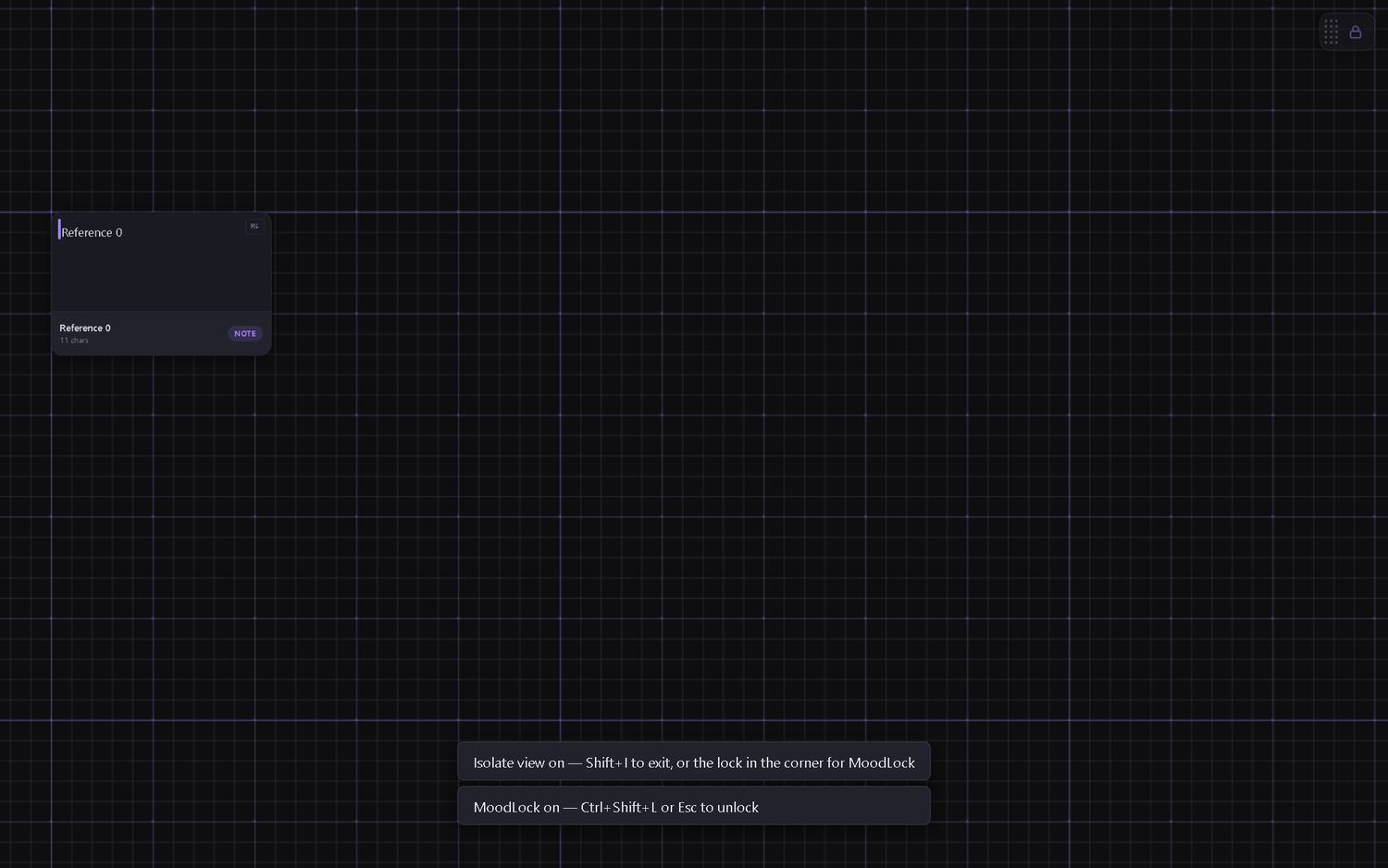
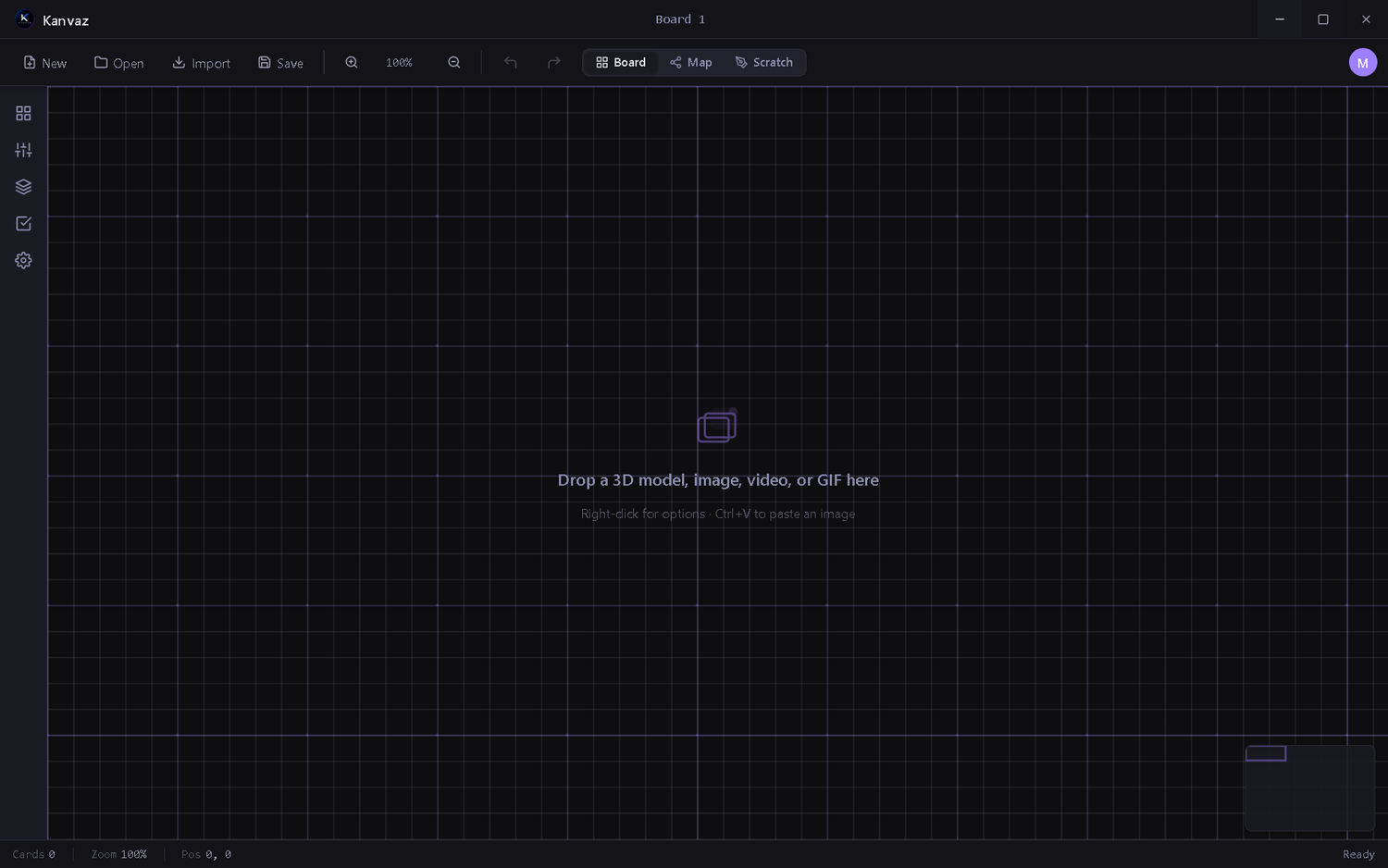
What you get
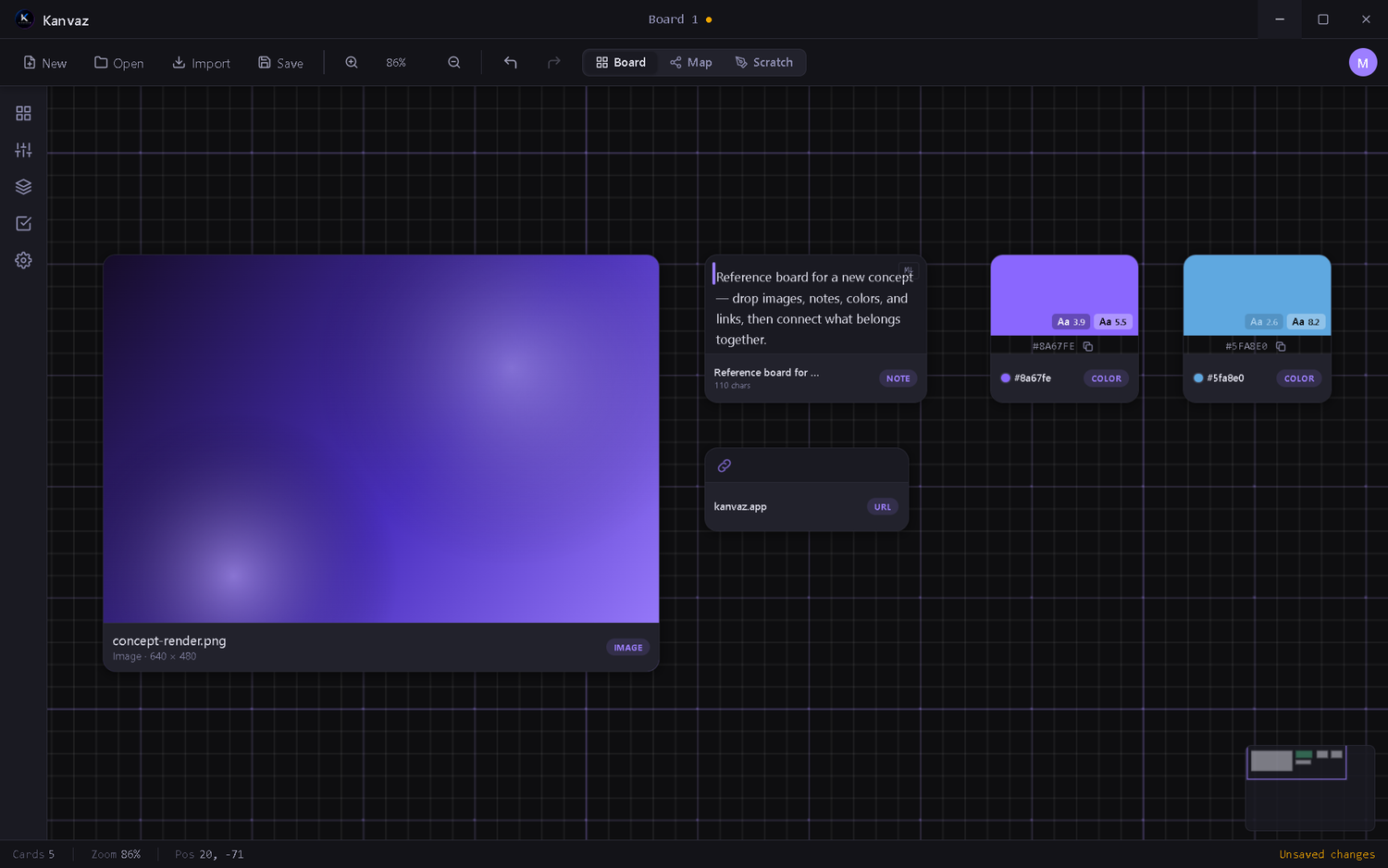
- An infinite canvas for images, video, audio, 3D models, PDFs, notes and PureRef boards.
- Map View: wire references together and see them as a real graph.
- 100% offline: no account, no cloud, no subscription, nothing leaves your machine.
- Stays beside your work: always on top over ZBrush, Blender and Photoshop, plus MoodLock for a clean, distraction-free reference.
- Plugins: four official ones, and you can write your own.
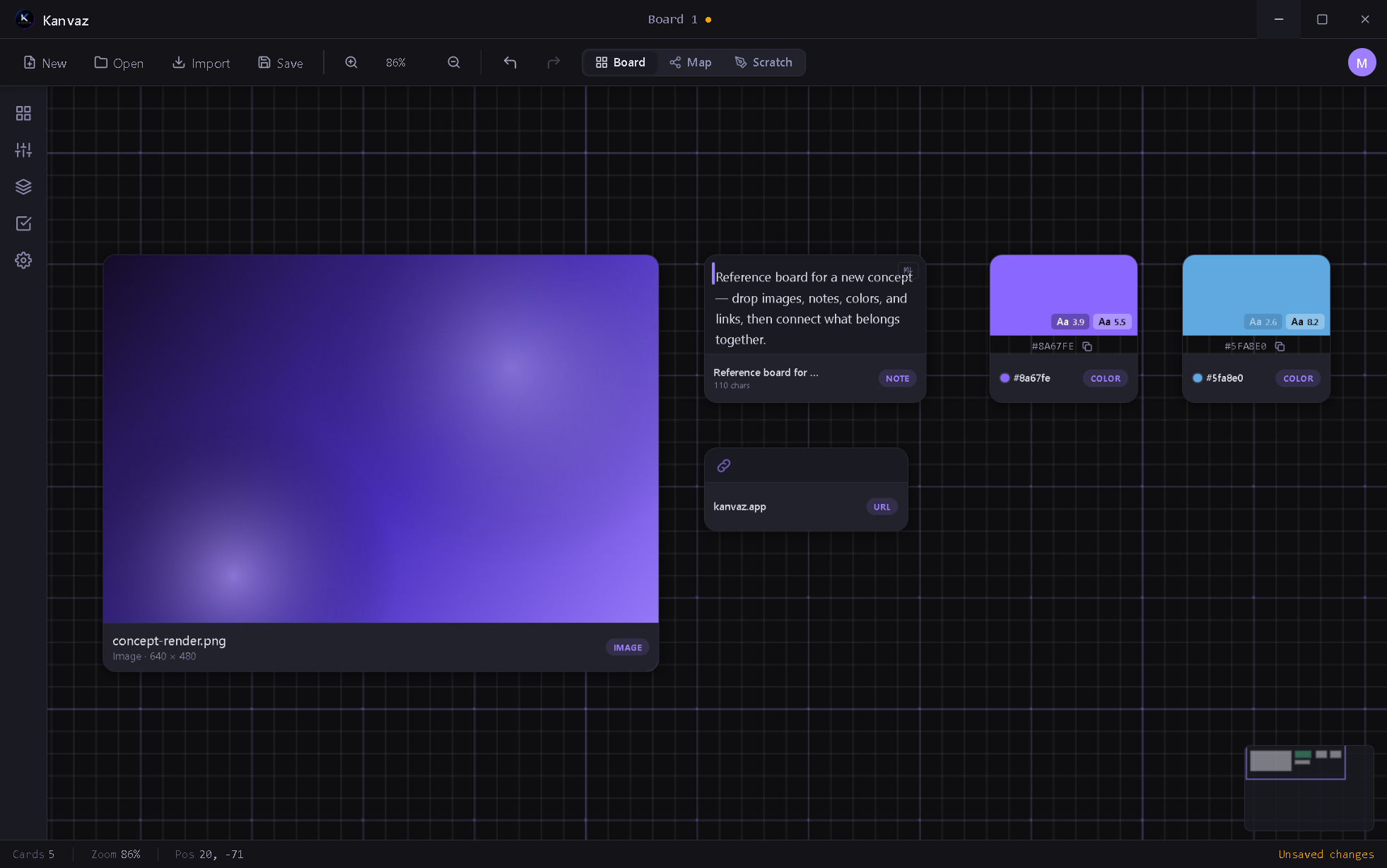
Learn the canvas
- Board View: cards, selection, annotations, grouping
- Map View: the connection graph between cards
- Scratch Board: a freeform sketch and notes layer
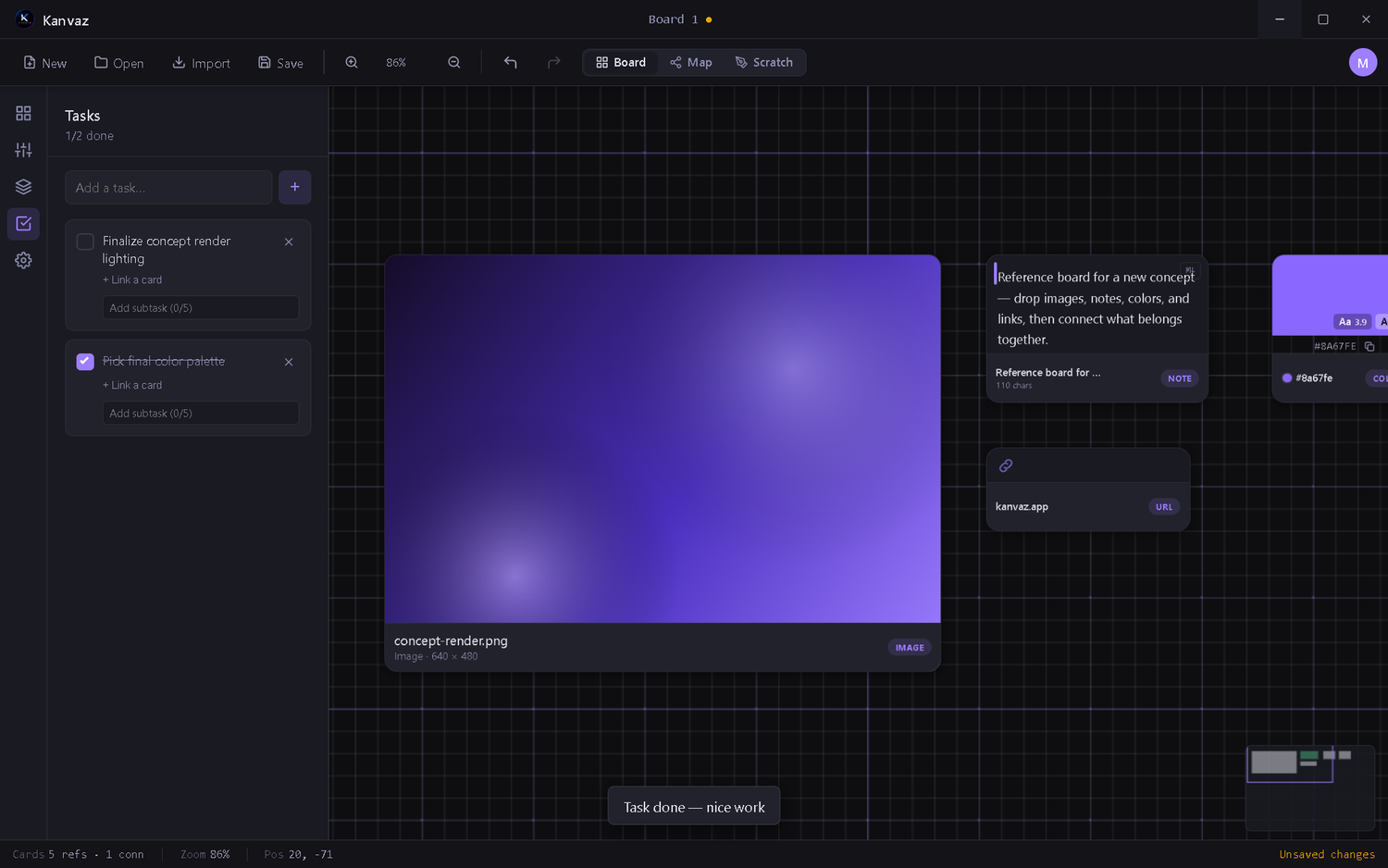
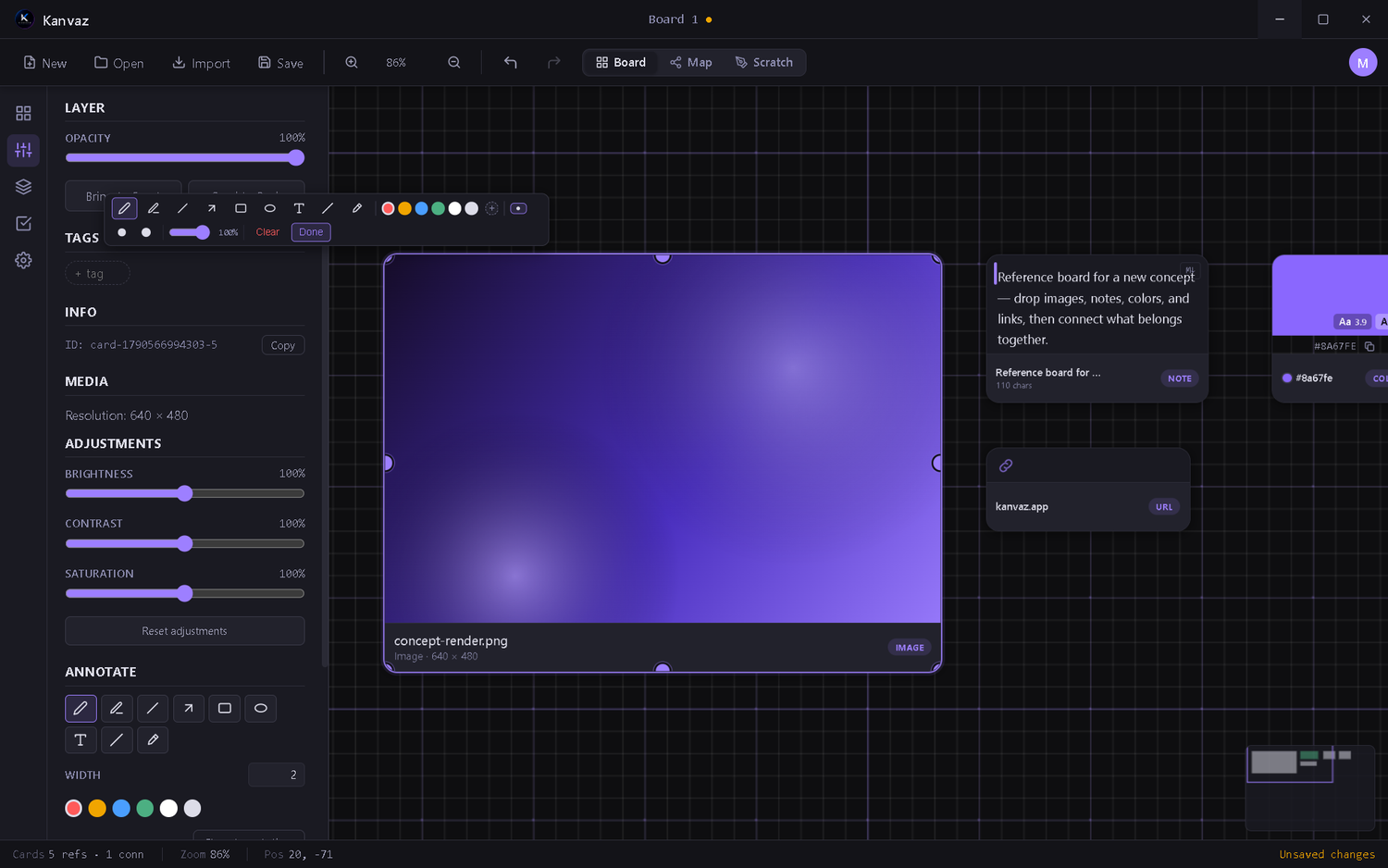
- Side Panel: Properties, Layers, Task Tracker, Settings
- Keyboard Shortcuts: the full reference
- Command Palette & Smart Search:
Ctrl+K, fuzzy search, saved filters
Your references
- Import & Export: every way media gets in and out
- Media Previews: 3D, PSD, HDR/EXR, Krita, video, audio
- File formats: what a
.kanvazfile contains - Templates: starter boards and your own
- Shared Cards: one card live-linked across boards
- Task Tracker: per-board checklists
Make it yours
- Settings: every option
- Profiles: several people, one install
- Plugins: the trust model and the four official plugins
- MCP Bridge: let an AI assistant drive your board
- Build your first plugin: a folder, two files, no build step
Reference and help
- Features: the full feature list
- Workflows: how people combine the features
- Known limitations: what is deliberate or not built yet
- FAQ: quick answers, grouped by topic
- Kanvaz Mini: the smaller version for quick setups
- Cookbook: ten step-by-step recipes
- System requirements and performance
- Privacy and your data: every network request Kanvaz can make
- Contact and support: where to ask, and what to include
- Glossary: every term in plain language
- About Kanvaz: the offline and privacy model
Stay in the loop
Kanvaz ships fixes and features often, and every release is written up in the changelog.
- On GitHub choose Watch → Custom → Releases to hear about new versions and nothing else.
- Join the Discord to share boards, ask questions and vote on what gets built next.
- Missing something? Request a feature. Every request gets read.
- Kanvaz is free and stays free. If it saves you time you can support development, and a star on GitHub helps other artists find it.
Every screenshot in this guide is captured from a running build. Each page is stamped with the Kanvaz version it was verified against; if you are on a much newer version and something looks different, that is why. Spot a mistake? Use “Improve this page” at the bottom of any page.