
Download the beta

Screens

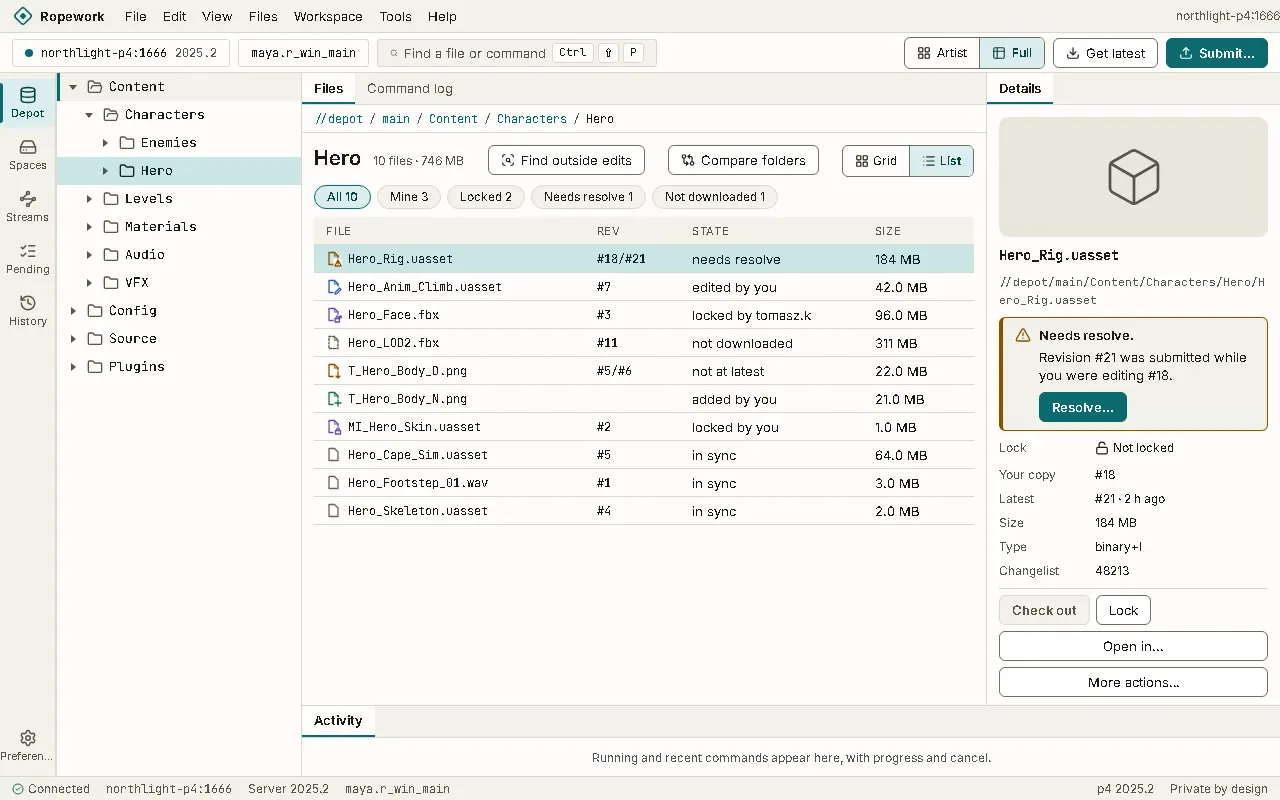
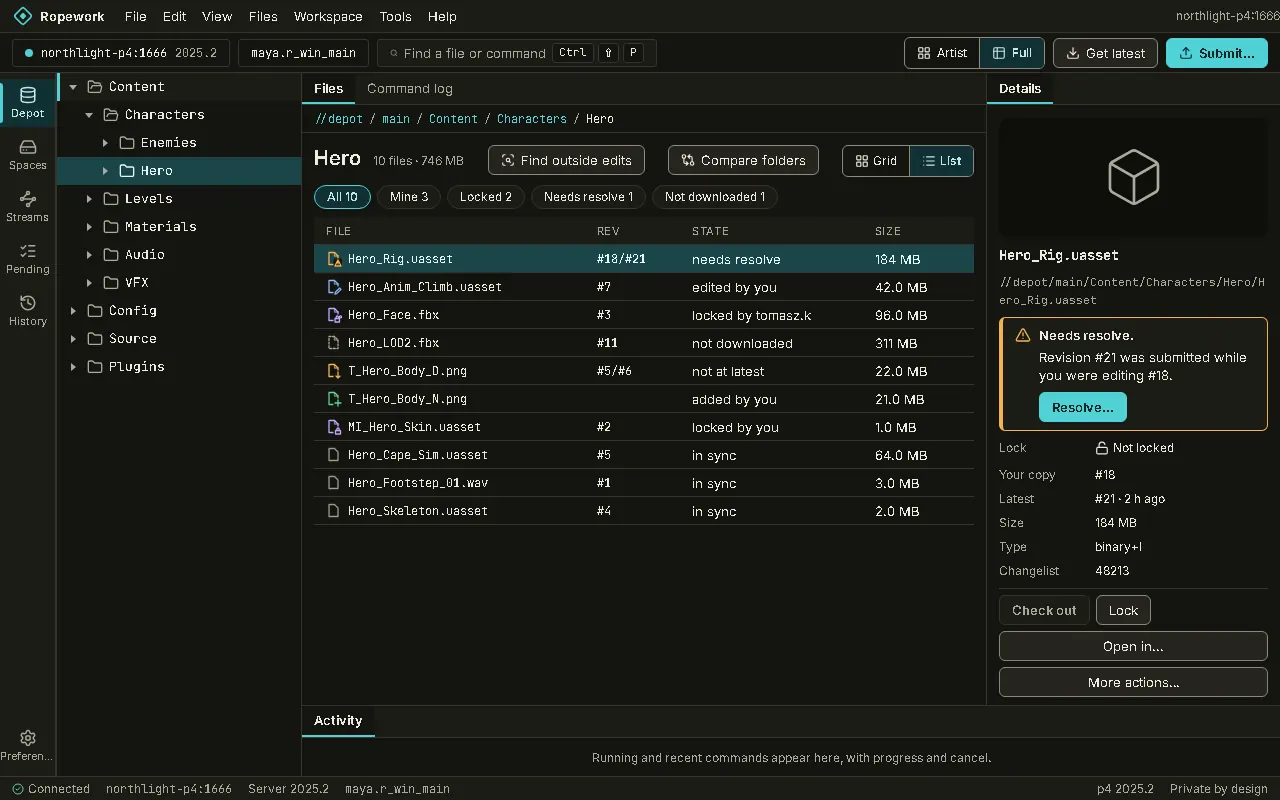
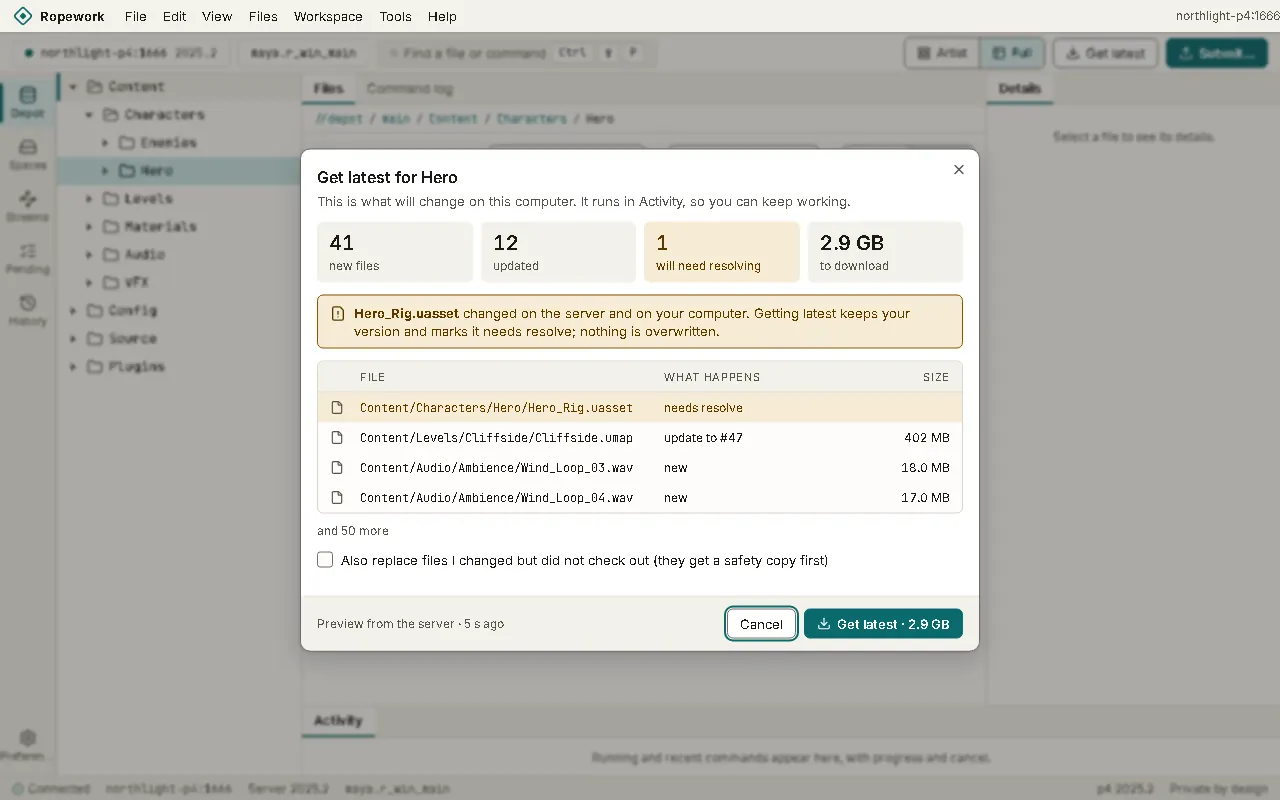
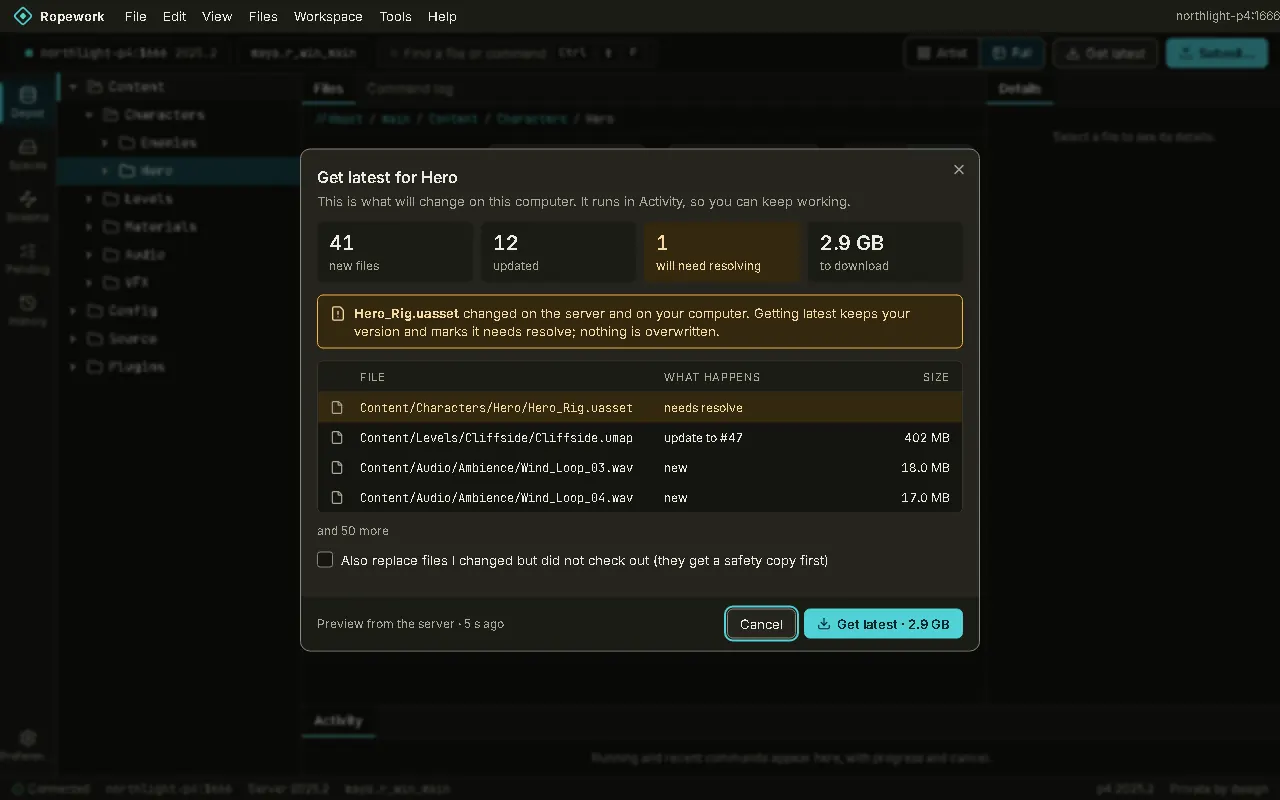
Real screens of Ropework in light and dark, taken from the app with sample studio data.

These are pictures of the app itself, in the theme you have chosen for this site. The files, people and servers are sample data for a made-up studio, not a real depot.
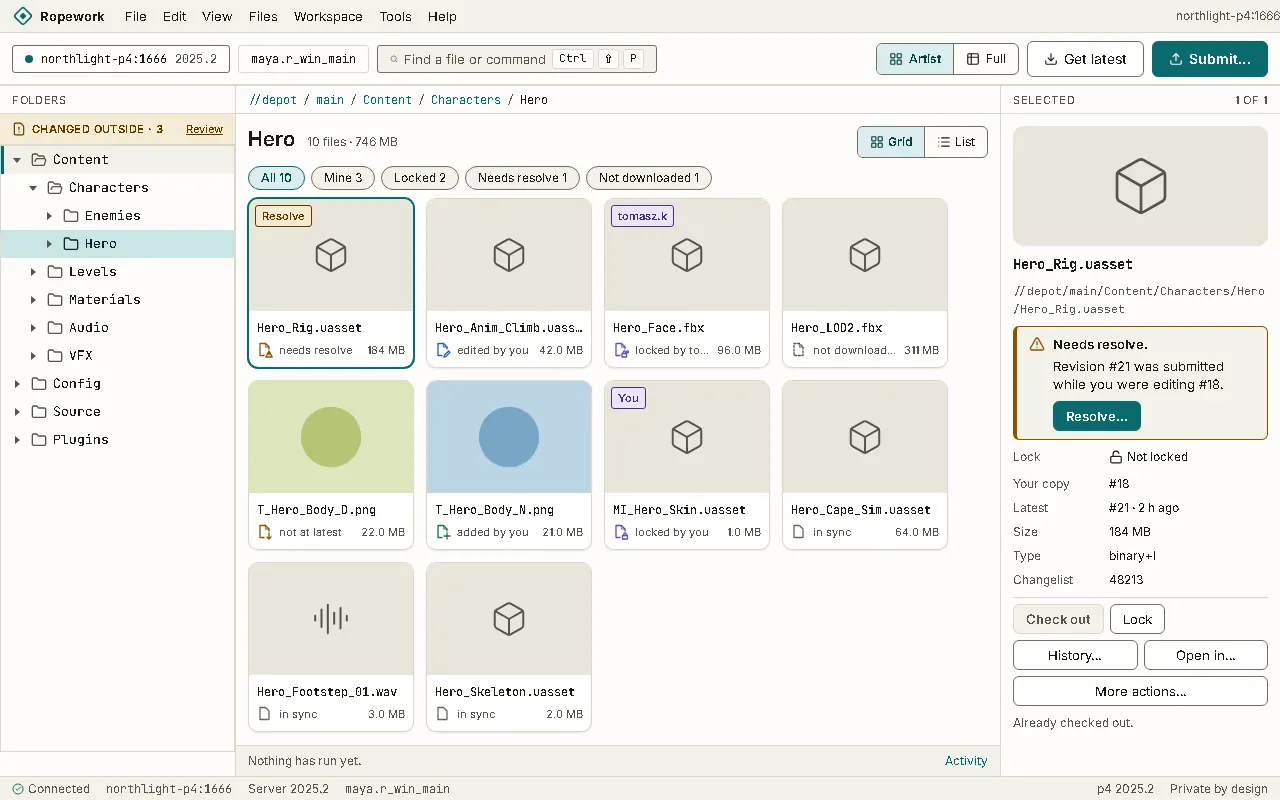
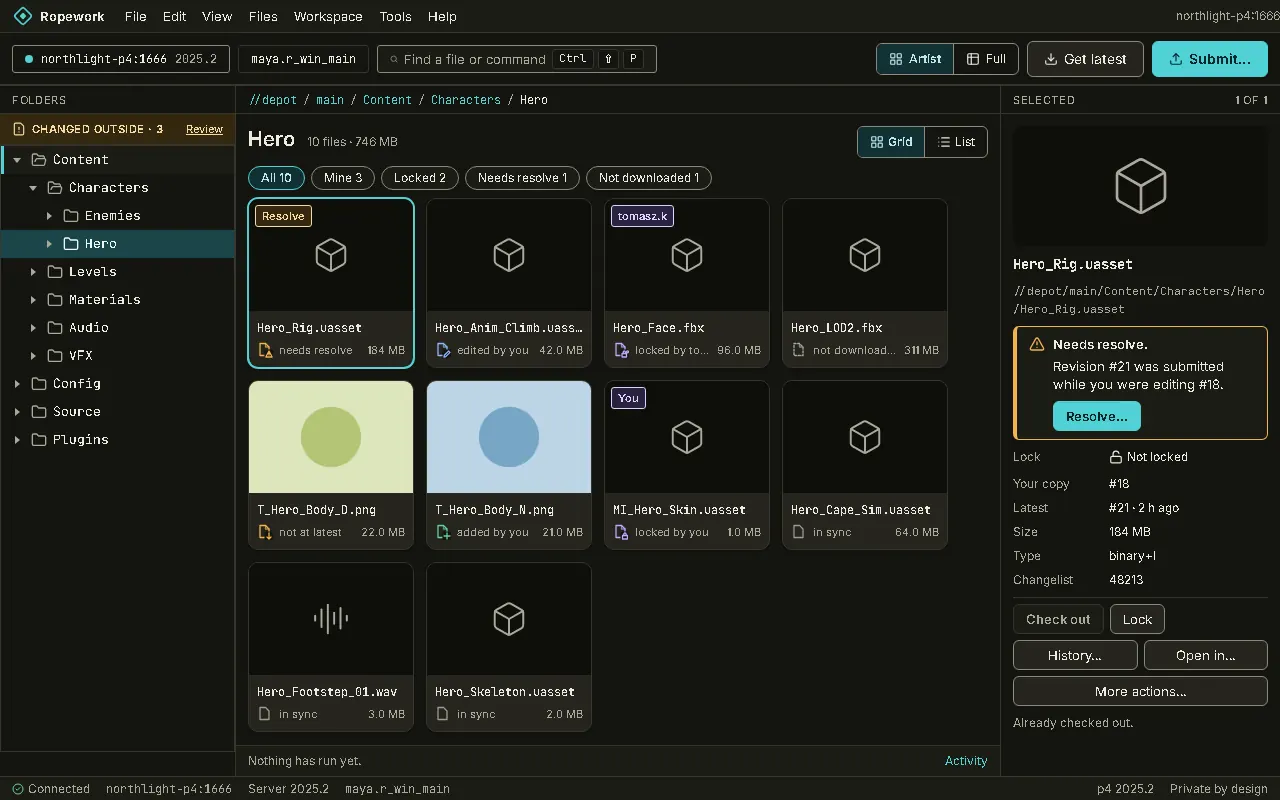
Artist layout: Files as cards. Each card says in words what state the file is in, and the two buttons an artist needs sit in the toolbar.Artist layout: Files as cards. Each card says in words what state the file is in, and the two buttons an artist needs sit in the toolbar.
Artist layout Files as cards. Each card says in words what state the file is in, and the two buttons an artist needs sit in the toolbar.
Full layout: The folder tree, a file list and a panel for the selected file. One switch moves between Artist and Full.Full layout: The folder tree, a file list and a panel for the selected file. One switch moves between Artist and Full.
Full layout The folder tree, a file list and a panel for the selected file. One switch moves between Artist and Full.
Get latest: A preview shows the new and updated files, their size, and any file that will need a resolve, before anything changes.Get latest: A preview shows the new and updated files, their size, and any file that will need a resolve, before anything changes.
Get latest A preview shows the new and updated files, their size, and any file that will need a resolve, before anything changes.
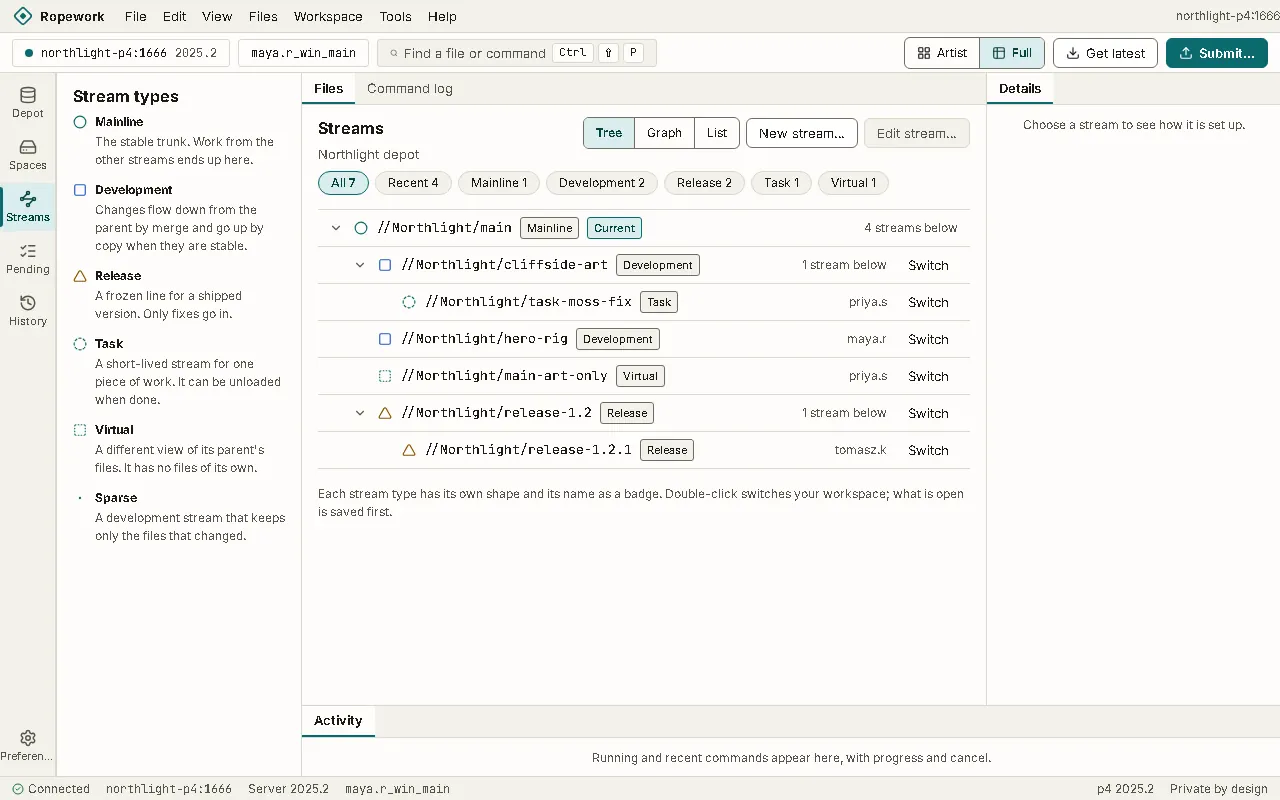
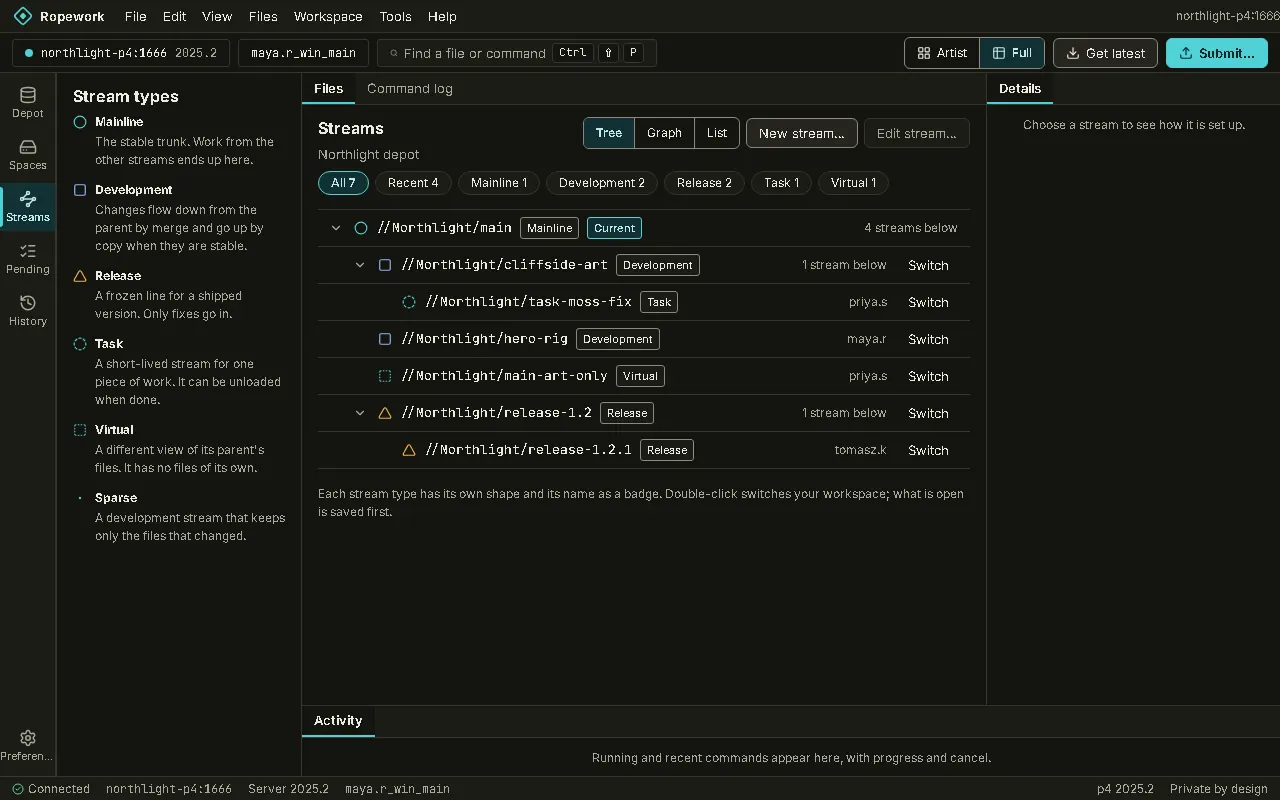
Streams: Each stream type is explained in a line. Double-click a stream to switch to it.Streams: Each stream type is explained in a line. Double-click a stream to switch to it.
Streams Each stream type is explained in a line. Double-click a stream to switch to it.
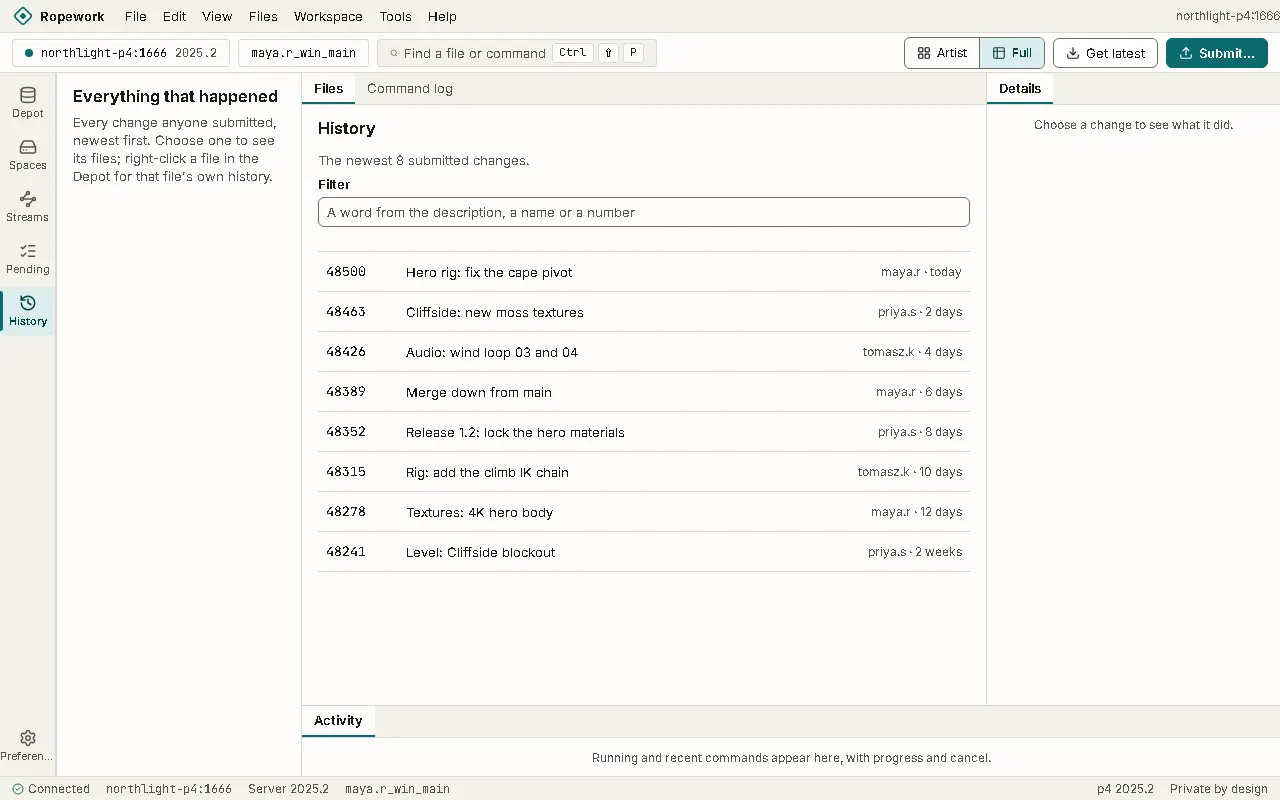
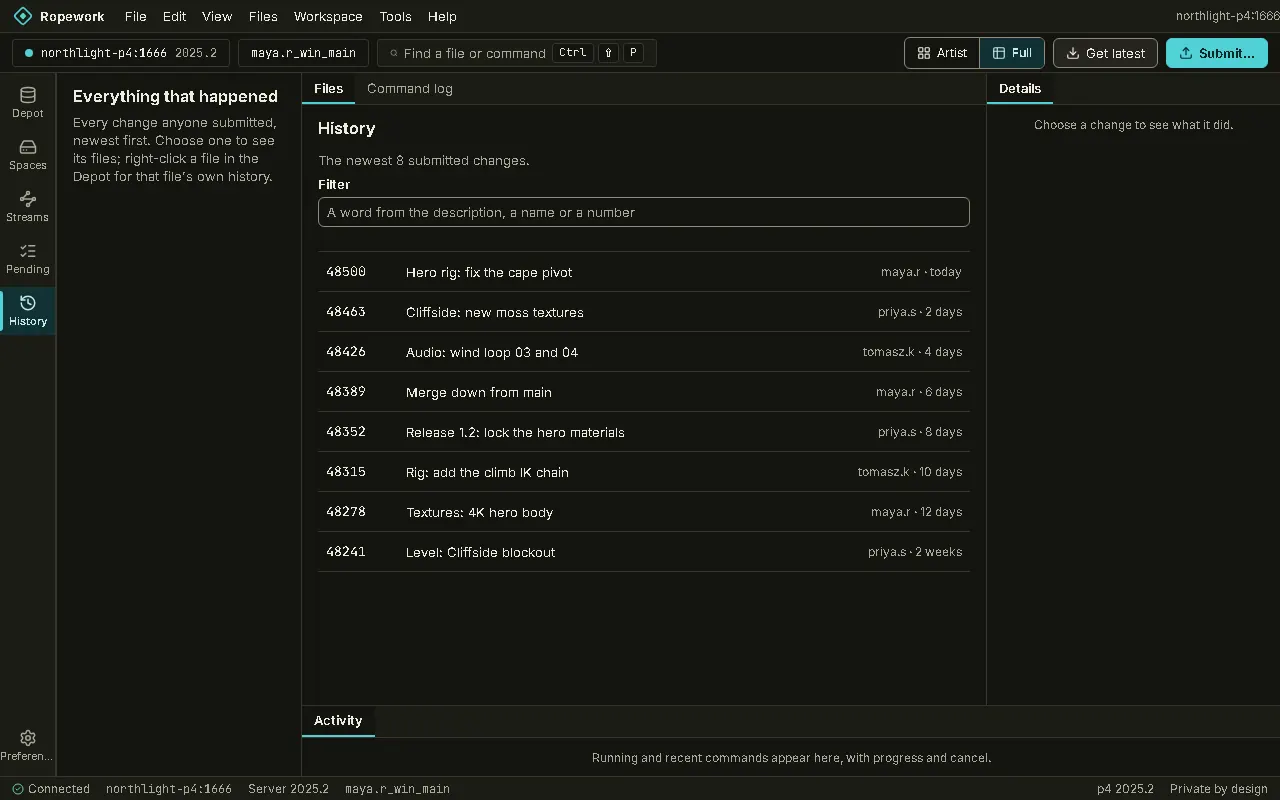
History: The newest submitted changes first, with a filter. Choose a change to see what it did.History: The newest submitted changes first, with a filter. Choose a change to see what it did.
History The newest submitted changes first, with a filter. Choose a change to see what it did.
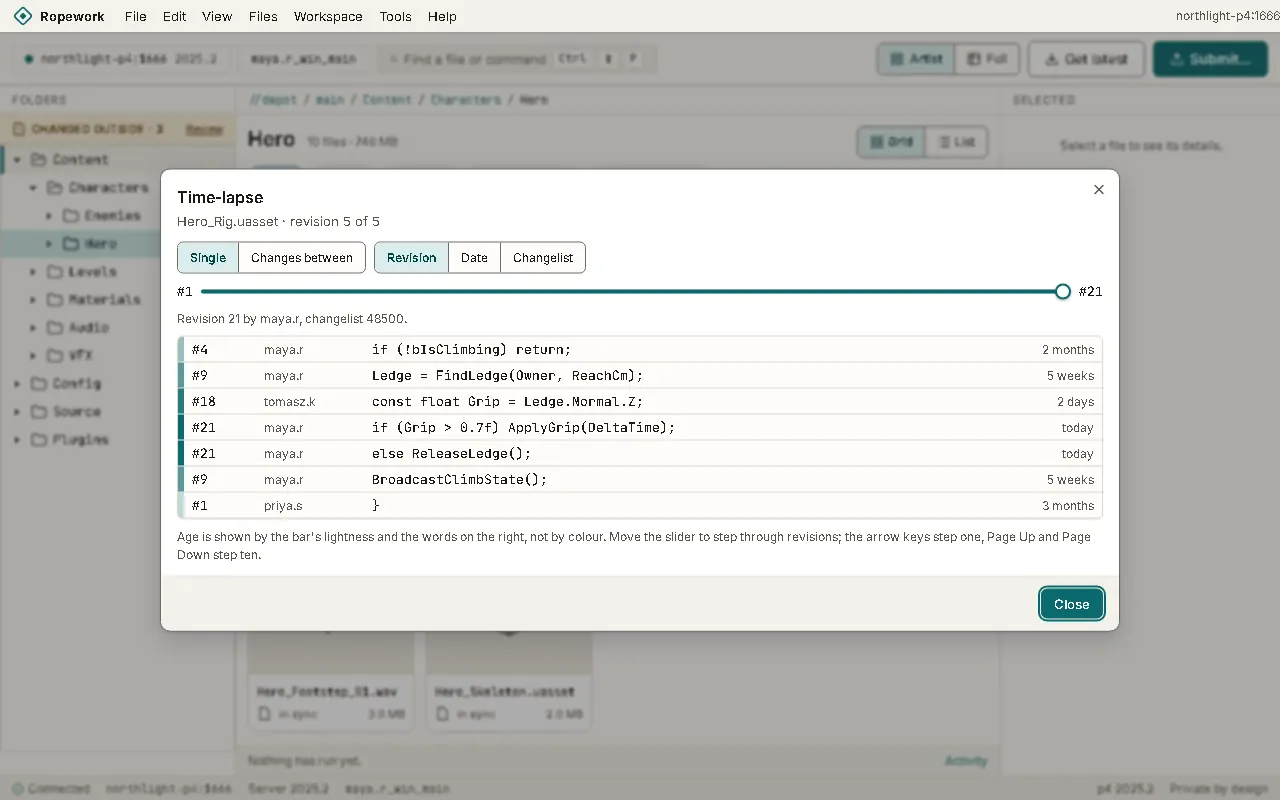
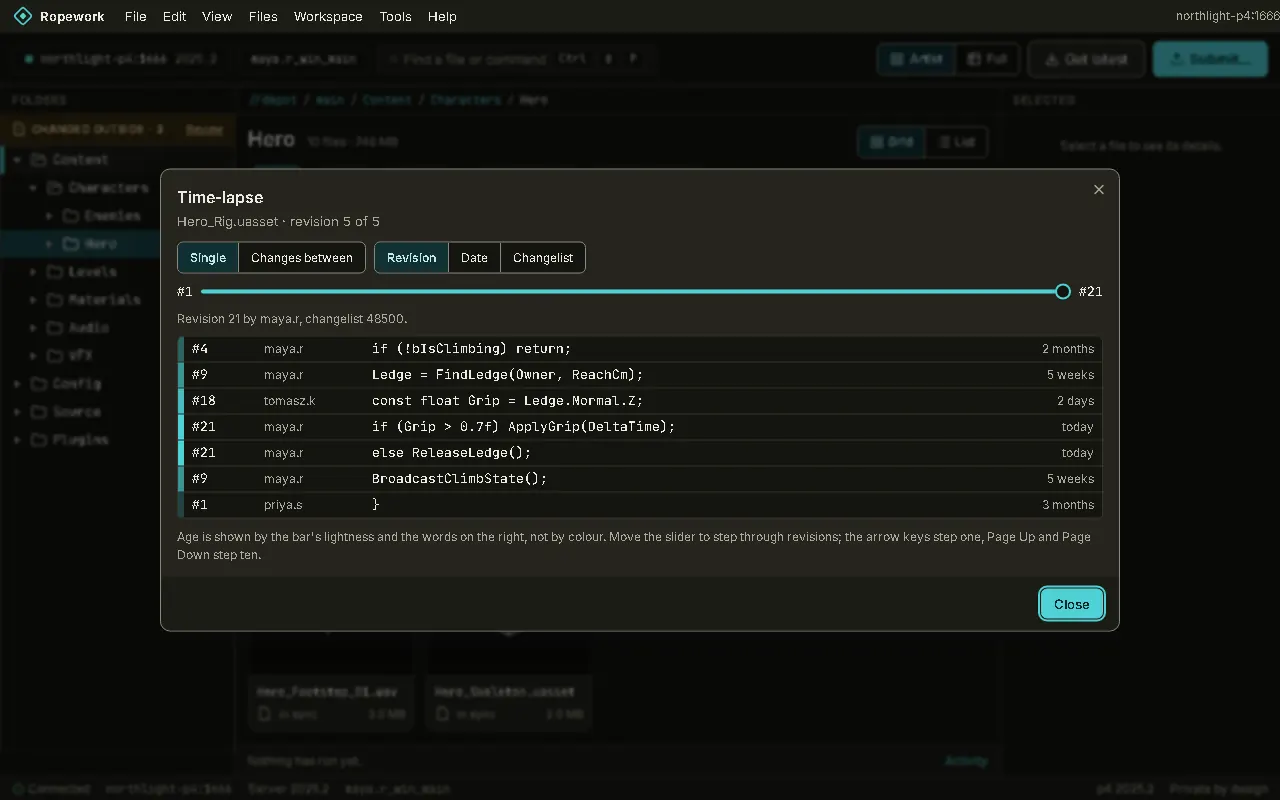
Time-lapse: Who changed each line of a file, and when, with a slider to step through its revisions.Time-lapse: Who changed each line of a file, and when, with a slider to step through its revisions.
Time-lapse Who changed each line of a file, and when, with a slider to step through its revisions.
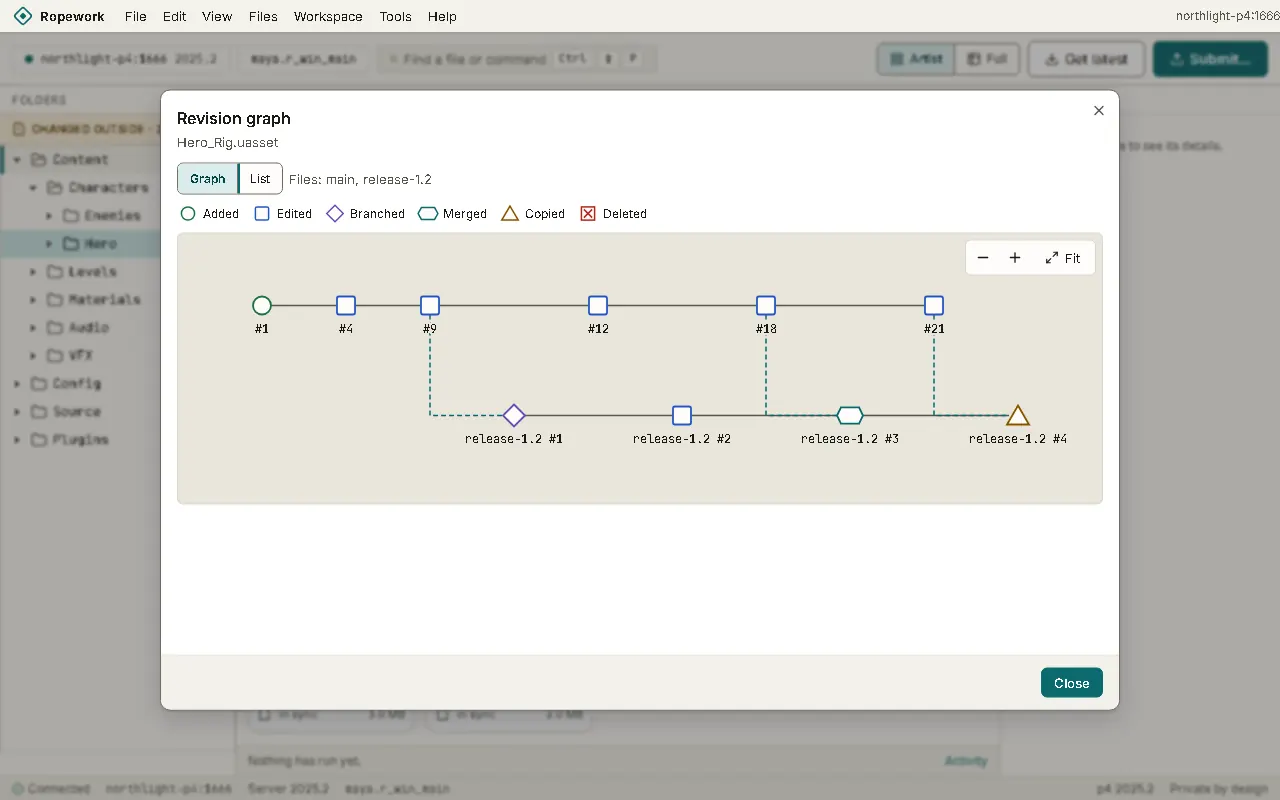
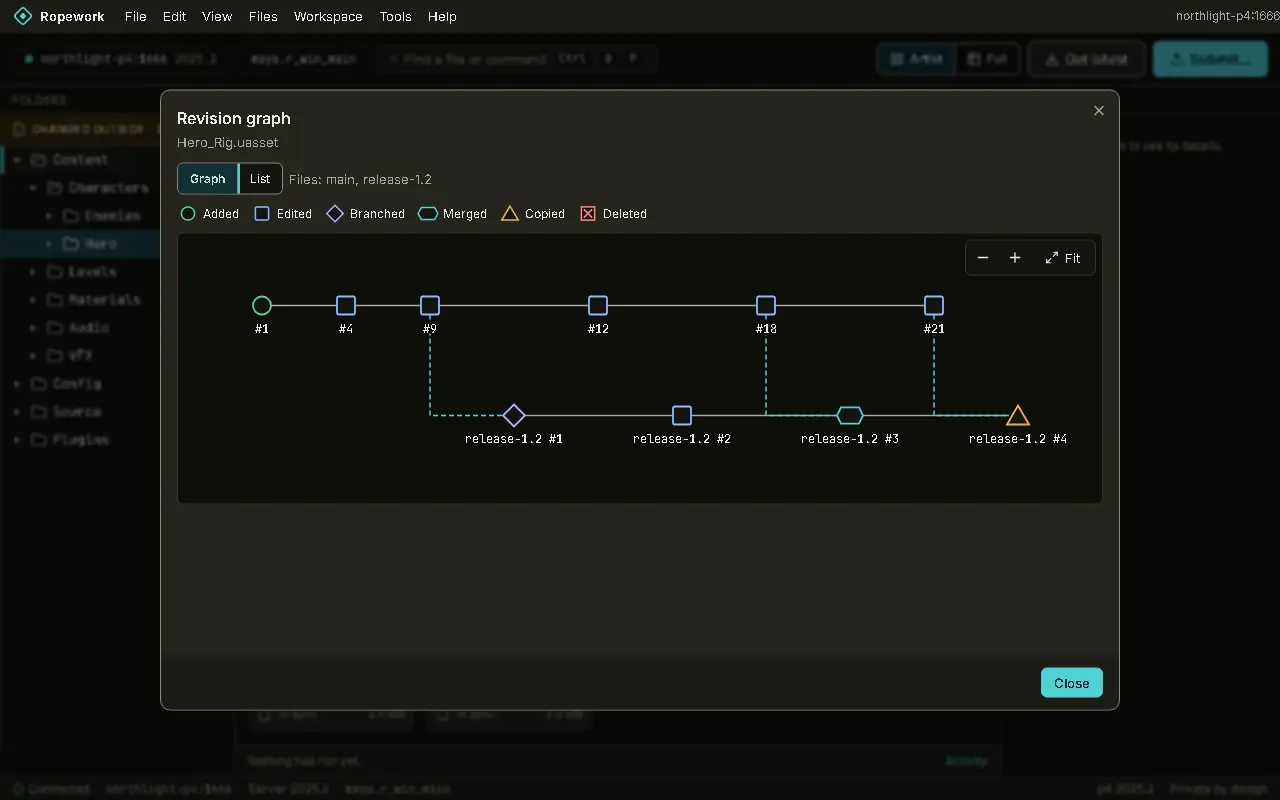
Revision graph: Branches and merges drawn as a graph, with a list view and a legend. Every node has its own shape.Revision graph: Branches and merges drawn as a graph, with a list view and a legend. Every node has its own shape.
Revision graph Branches and merges drawn as a graph, with a list view and a legend. Every node has its own shape.
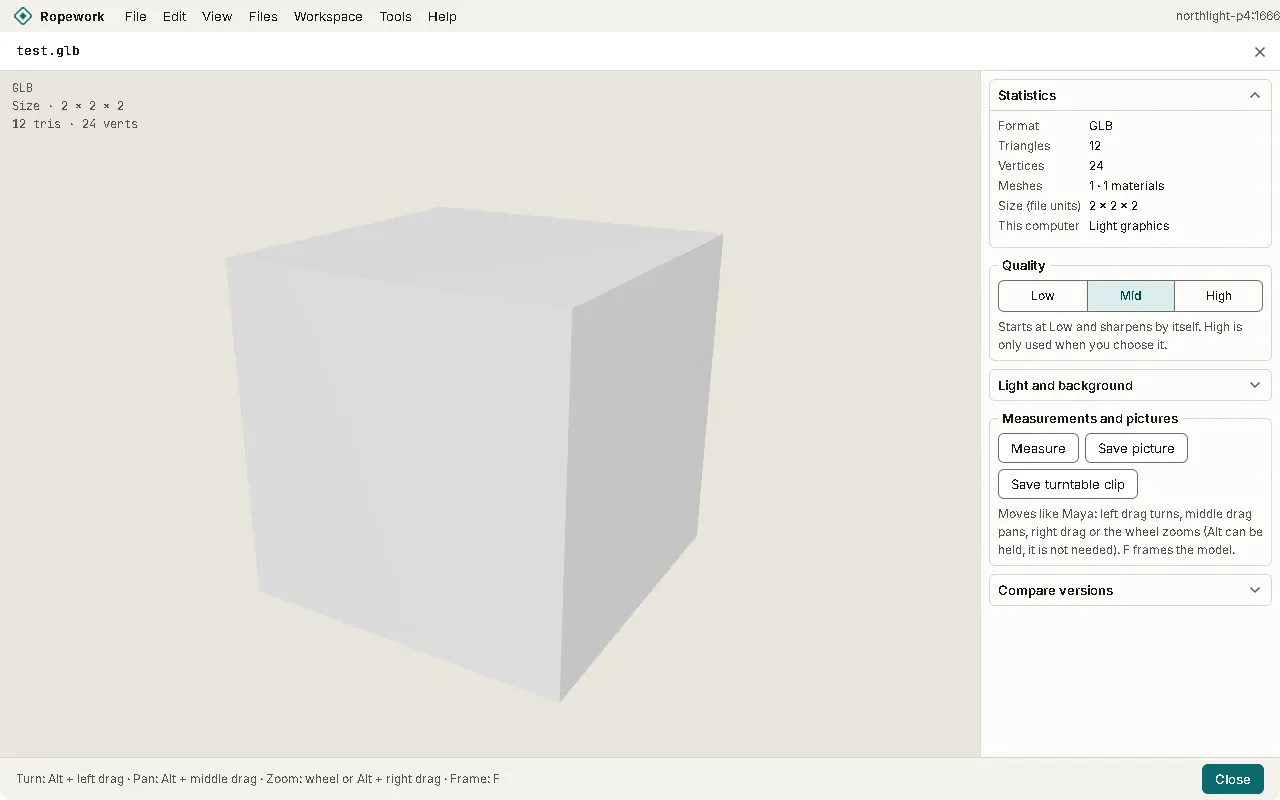
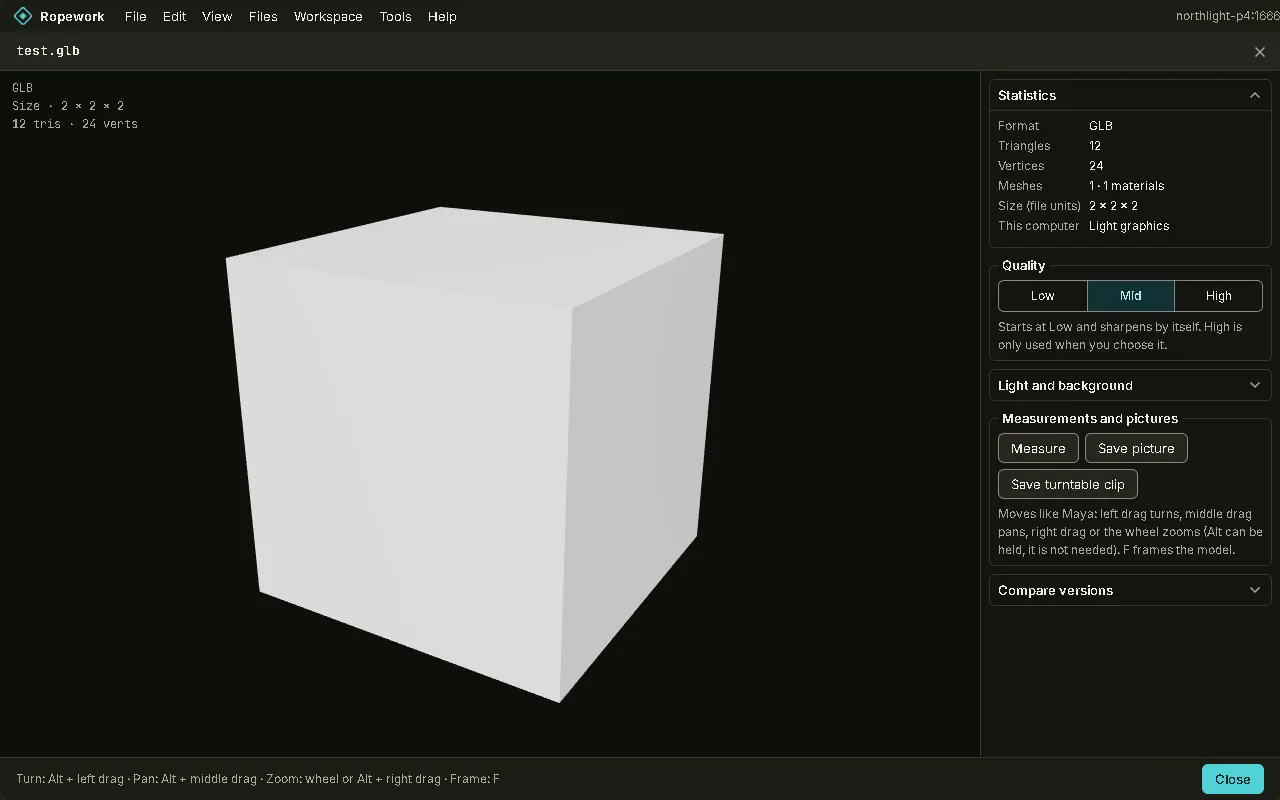
3D view: A read-only workspace. The model fills the window and the statistics sit on the right. Turn it with the left mouse button.3D view: A read-only workspace. The model fills the window and the statistics sit on the right. Turn it with the left mouse button.
3D view A read-only workspace. The model fills the window and the statistics sit on the right. Turn it with the left mouse button.
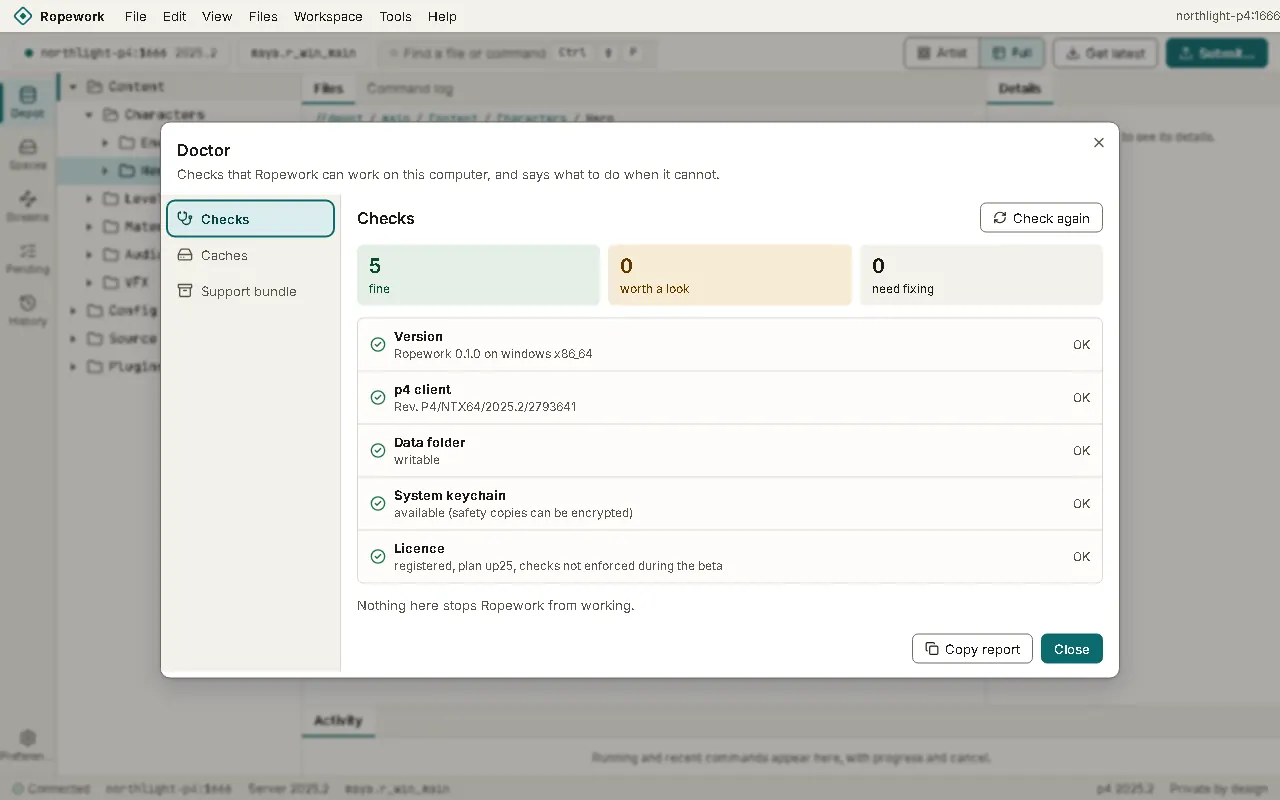
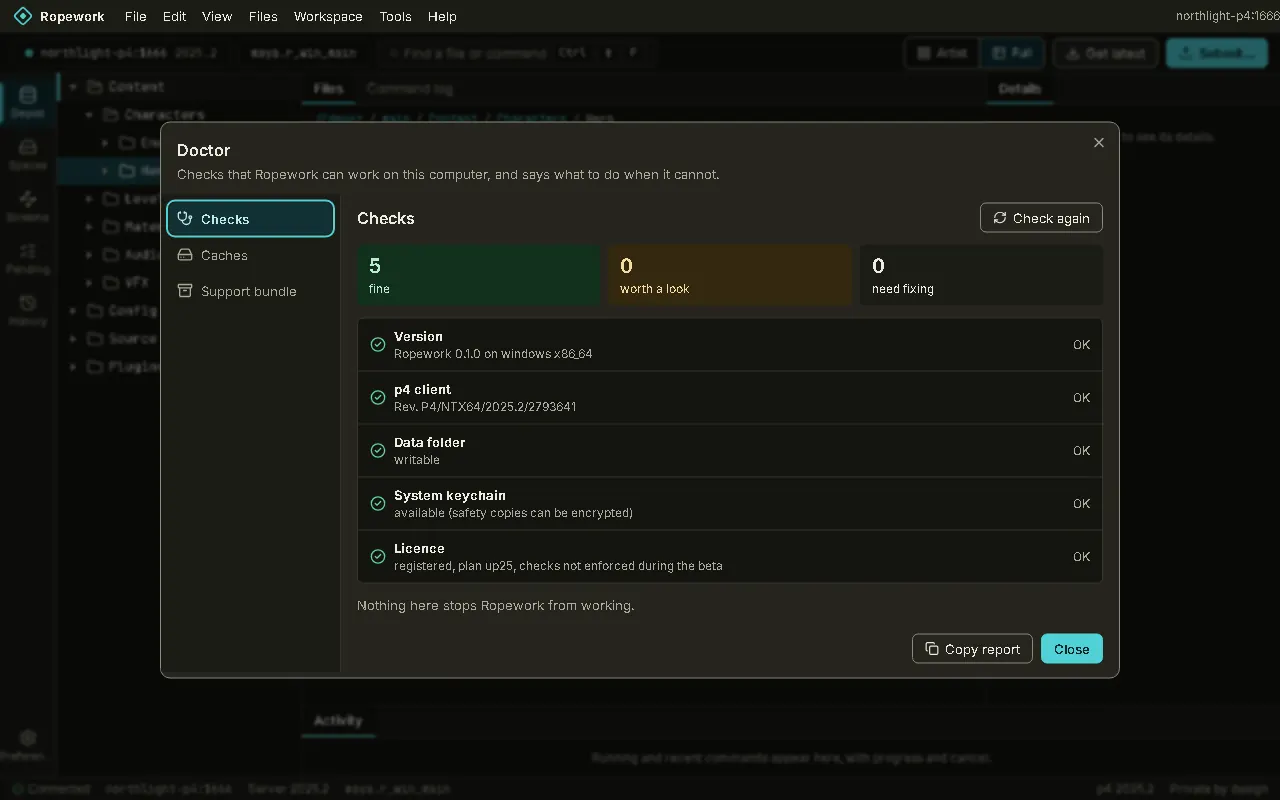
Doctor: Checks that the app can work on this computer, the saved data you can clear, and a support bundle you can copy.Doctor: Checks that the app can work on this computer, the saved data you can clear, and a support bundle you can copy.
Doctor Checks that the app can work on this computer, the saved data you can clear, and a support bundle you can copy.
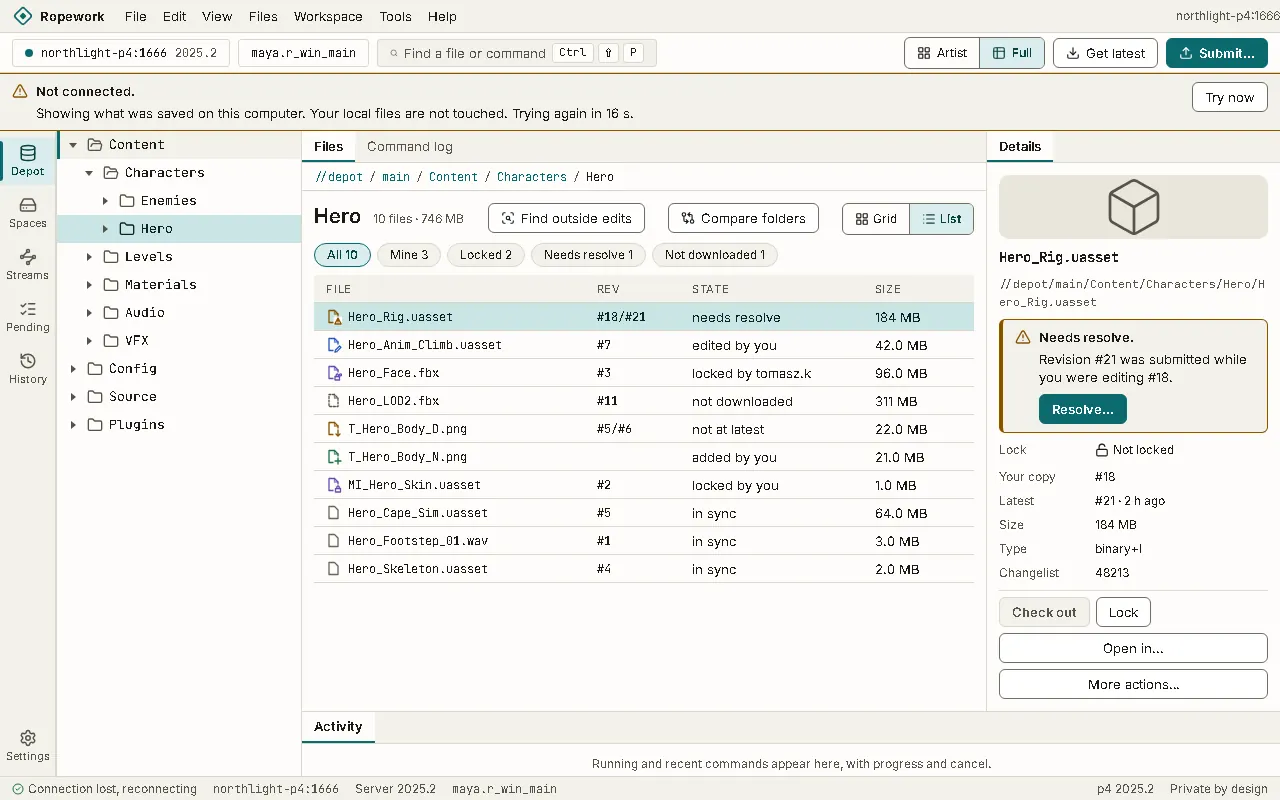
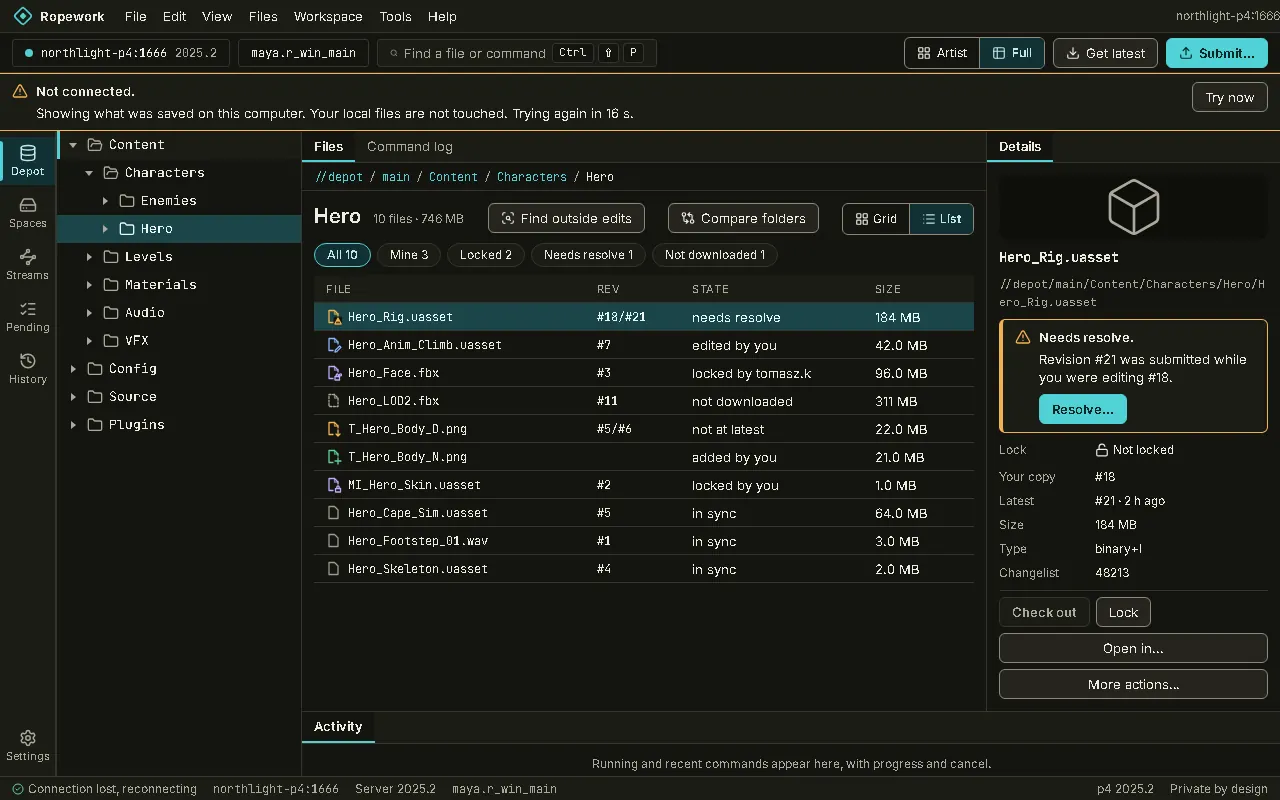
Offline: When the server is out of reach, a calm band says so and the folders you looked at stay readable from the saved copy.Offline: When the server is out of reach, a calm band says so and the folders you looked at stay readable from the saved copy.
Offline When the server is out of reach, a calm band says so and the folders you looked at stay readable from the saved copy.
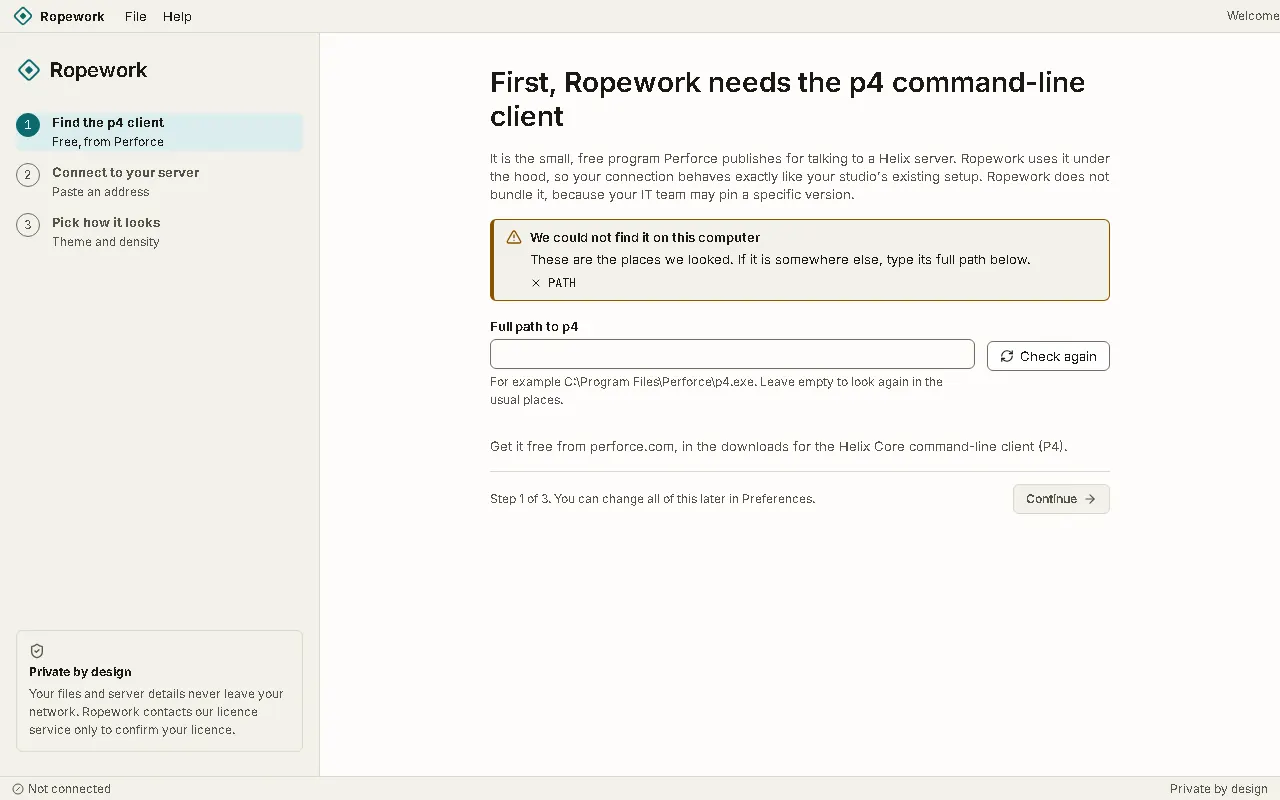
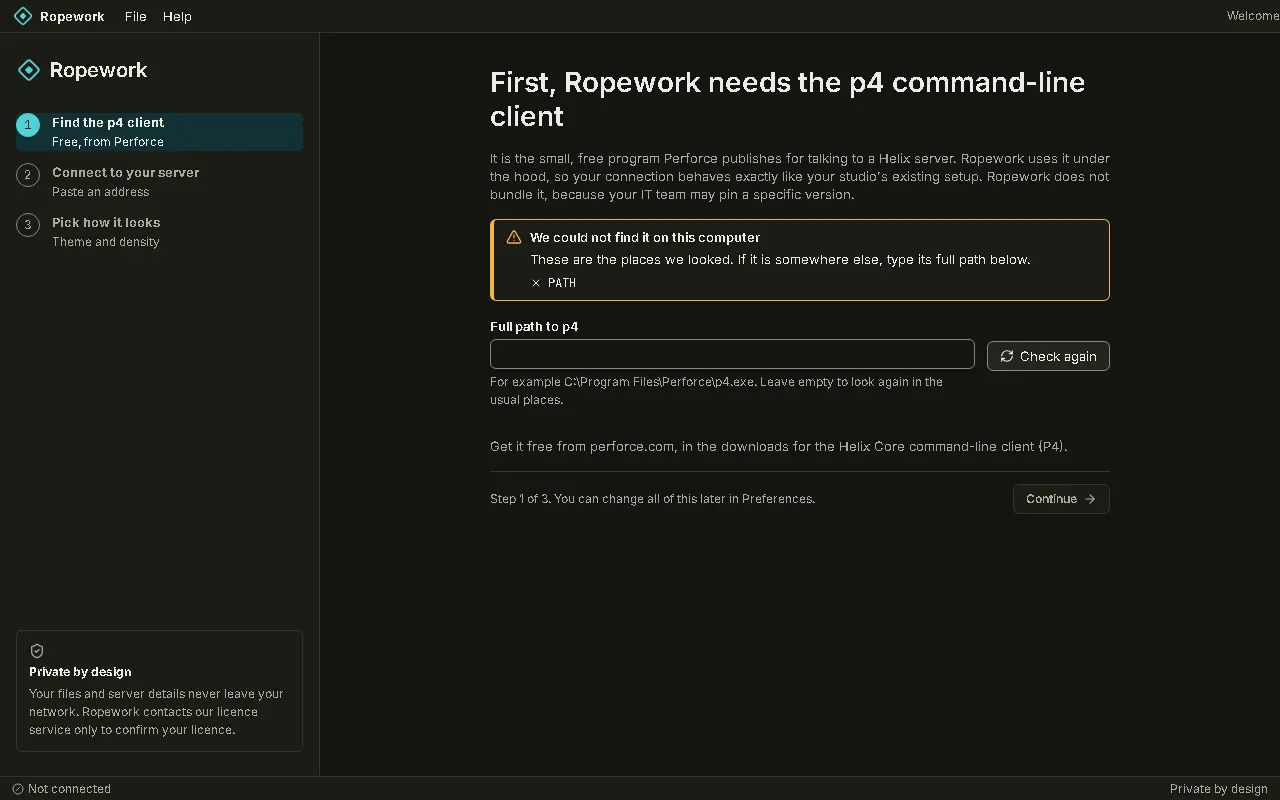
First start: Ropework looks for the free p4 command-line client, then asks for your server and user.First start: Ropework looks for the free p4 command-line client, then asks for your server and user.
First start Ropework looks for the free p4 command-line client, then asks for your server and user.

Download the beta